Hermes Agent best practices: 12 rules from daily use
By Riz Pabani on 29-Nov-2026
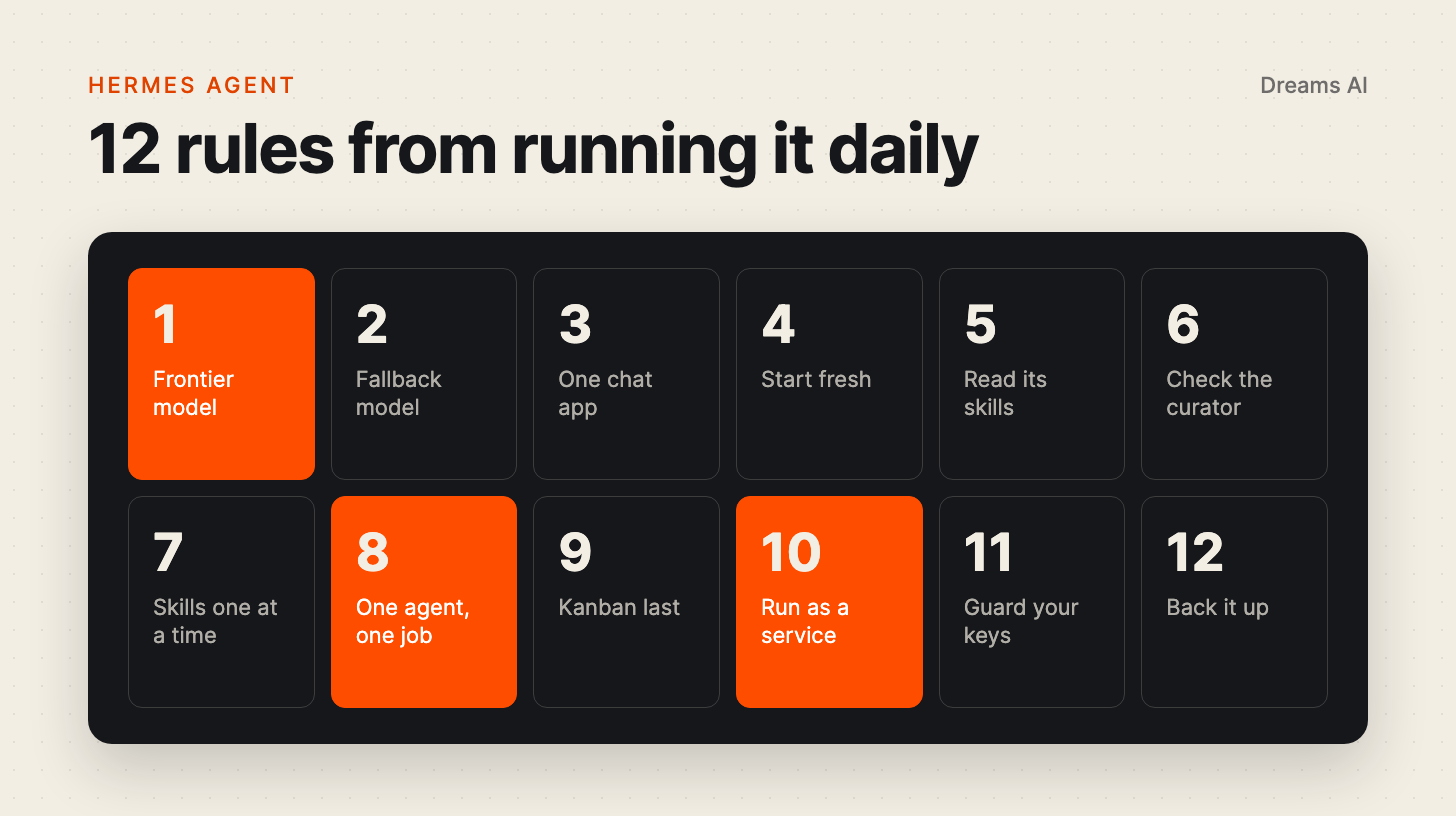
The Hermes Agent best practices that matter most come down to twelve rules. Start on a frontier model, give each agent one job in its own profile, audit the skills it writes (or let the curator do it, and check its work), connect only the chat app you already check, and run it as a locked-down service with backups. I've run Hermes every day since spring, and almost every problem I've had traced back to breaking one of these.
Hermes is big now. The GitHub repo had 266,745 stars when I checked on 28 November 2026, and the latest release was v0.23.5, dated 27 November. Install guides are everywhere. This post is about what happens after the install. It's the short, ordered version. My longer Hermes tips post has the full story of my setup.
Want this set up on your own machine, with your own jobs? That's what my 90-minute 1-2-1 is for. See how a session works
Setup: get the foundations right
1. Pick a frontier model on day one
Most "Hermes is broken" moments are really model problems. Small open models invent tool calls that don't exist, and you end up debugging the framework when the model is the issue. Run hermes model from your terminal (not inside a chat) and point it at a frontier provider. You can experiment with local models later, once you know what the agent is doing.
I run Hermes on Claude Opus 5.5, directly on my Claude Ultra subscription.
2. Add a fallback model
A newer one. hermes fallback manages backup providers that Hermes tries when the main model errors (CLI reference). Your 7am briefing shouldn't fail because one API had a bad morning.
3. Connect one messaging app, the one you open first
Hermes supports a long list of platforms. Connect one. For me that's Telegram. Set it up with hermes gateway setup and leave the others alone for two weeks. If the agent lives somewhere you already check on reflex, you'll actually use it.
4. Start fresh if your OpenClaw setup was a mess
hermes claw migrate brings across your OpenClaw persona, memories, skills and keys. If your OpenClaw setup was clean, use it. Mine wasn't. I killed two OpenClaw instances and rebuilt in Hermes from scratch, which took about an hour per agent. Back up the old skills folder somewhere you can search it, then start clean.
Skills: the learning loop only works if you check it
5. Read the skills it writes
Hermes turns repeated work into skills, saved as markdown in ~/.hermes/skills/. That's the feature that makes the agent better on day 30 than on day 1. It also writes bad skills. I open the folder once a week, delete a couple and fix one. It takes five minutes.
6. Let the curator help, then check what it did
Hermes now has a curator: a background job that tracks how often each agent-written skill gets used and archives the ones that go stale. By default it only prunes. Merging overlapping skills is a separate pass you switch on yourself (curator.consolidate: true), because it costs model calls and reshuffles your library. Archived skills can be restored and nothing is auto-deleted (Hermes docs: Curator). Run hermes curator run --dry-run first to see what it would change. Pin the skills you never want touched with hermes curator pin. I have mine switched on.
7. Install community skills one at a time
hermes skills browse opens the hub. Pick one skill, try it on a real task, remove it if it doesn't earn its place. Every installed skill adds to the prompt Hermes sends on each call (hermes prompt-size shows you how much), so a bloated skills list costs you speed and money.
Structure: one agent, one job
8. Give each agent one job, in its own profile
This is the rule that made Hermes worth it for me. I run separate agents with separate jobs. One reads our kids' school newsletters (about five dense emails a week between two schools) and sends my wife and me one summary every Friday: clubs to sign up for, events, permission slips, deadlines. The actions go into our calendars, so we're reminded on the morning each one matters. Before Hermes we were losing half of them in the email pile and finding out about non-uniform day from the child in tears at 8:15am. Another handles project and pipeline admin for Exponential Partners. Each is its own Hermes profile, with its own config, memory and skills, so lessons from one don't leak into the other.
Since September I've run seven bots this way in Hermes bot mode. There's a chief of staff I talk to, Neo for business operations and the daily AI news scan, a content studio that drafts, and a distribution bot that reviews what goes out. No bot is allowed to both create something and ship it, and I hold the approval. When I add a bot, I clone it from one that already works and give it one skill for its one job. The full setup is in how I run a fleet of AI bots.
9. Add the kanban board last
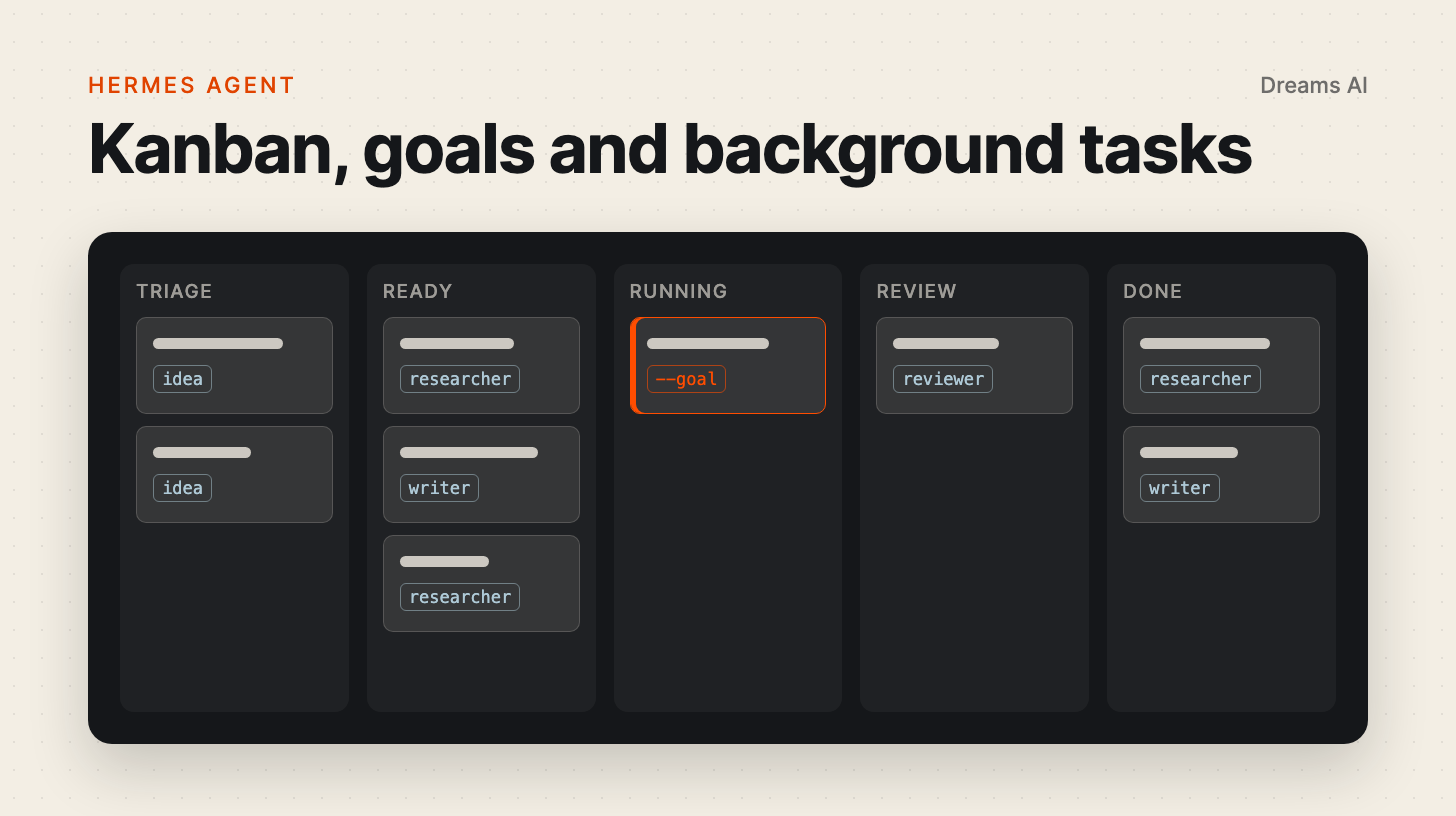
Once you have two or three agents, hermes kanban gives them a shared task board they claim work from and report back to. It's useful, but wire it up only after each agent is good at its own job. A board full of half-working agents just moves the mess somewhere you can see it. I use mine now. It manages a lot of the GEO and SEO work for this site.
Safety: treat it like a server, because it is one
10. Run it as its own user, as a service
Hermes has real access to files, network and shell, so don't run it as root. Create a dedicated user, then run the gateway as a background service (systemd on Linux, launchd on a Mac) so it comes back after a crash or reboot. Do this on day one. Otherwise you find out the server restarted at 3am when your morning briefing doesn't arrive.
11. Keep keys out of your shell history, and audit what you install
Keep API keys in the Hermes config or a secrets manager (Hermes supports Bitwarden via hermes secrets), and lock down ~/.hermes/ so only the Hermes user can read it. hermes security audit checks the Python environment, plugins and pinned MCP servers against a public vulnerability database. Run it after you add anything new.
12. Back it up, and know where the off switch is
hermes backup zips your config, skills, sessions and data. Take one before every update. And if an agent starts doing something you don't like, hermes pause stops new scheduled jobs and gateway turns until you run hermes resume. Learn the backup and the pause before you need them.
Which of these matter most?
If you only do three, do 1, 8 and 10. The right model stops most of the weird failures. One job per agent keeps the learning loop focused. Running it as a service keeps it alive. The rest make a good setup better.
The one that cost me most was rule 1. I lost my first weekend debugging Hermes while a small model kept inventing tool calls.
FAQ
What is Hermes Agent?
Hermes Agent is an open-source AI agent from Nous Research that runs on your own machine or server. It messages you through apps like Telegram, runs scheduled jobs, uses tools and turns repeated work into reusable skills.
What's the best model for Hermes Agent?
Use a frontier model from a major provider to start. Smaller local models are more likely to invent tool calls that don't exist. Switch later, once you know what your agent actually does.
How do I stop Hermes from learning bad habits?
Read the skills it writes in ~/.hermes/skills/ once a week, or use the curator with a dry run first. Delete or fix anything that learned the wrong lesson.
Should I run one Hermes agent or several?
Several, each with one job and its own profile. A single "do everything" agent tends to do nothing particularly well.
Is Hermes Agent safe to run?
It has real system access, so treat it like a server. Run it as its own user, keep keys out of shell history, run hermes security audit after installing things and keep backups.
Want Hermes set up properly the first time? In a 90-minute 1-2-1 (£699) we set up Hermes on your machine around one or two real jobs from your week, so you leave with an agent that already works. Not sure it's what you need? Message me and I'll tell you honestly. Book your session · What happens in a session
Related Articles
Hermes Agent kanban, step by step: five commands
Hermes Agent kanban, /goal and /bg: how they differ, the five commands to set up a board, and the go...
AI email triage in 90 minutes: a setup for professionals
AI email triage for a London solicitor or consultant in one 90-minute session: the three piles, the ...
Claude Cowork habit: the 10-minute daily routine that sticks
The 10-minute Claude Cowork habit I'd give anyone who keeps forgetting to use it: one morning check,...
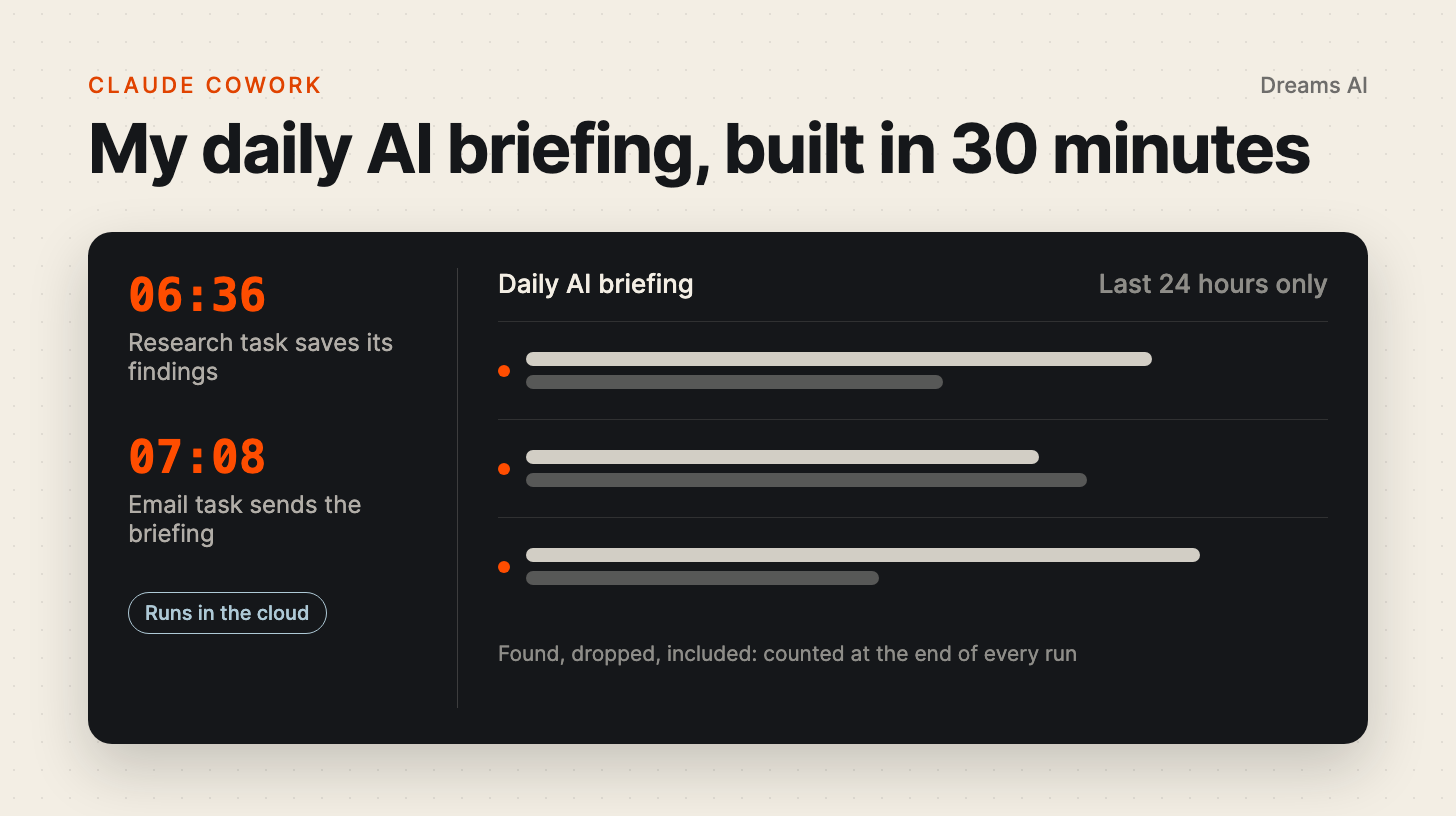
Claude Cowork scheduled tasks in the cloud: my AI briefing
Claude Cowork scheduled tasks now run in the cloud. How I rebuilt my daily AI briefing, the prompt I...