AI for Small Business: 4 Things to Build This Week
By Riz Pabani on 28-Sept-2026
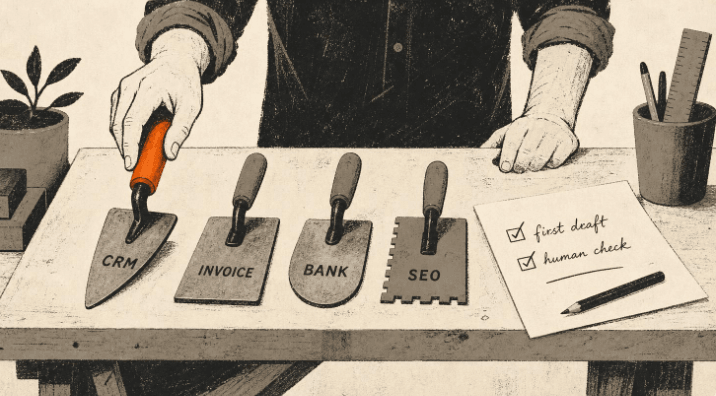
I'm Riz. I run 1-2-1 AI training for small businesses, and I've built more than 20 working tools with AI without writing code. This post is the short version of what I show people in a session: four jobs you're probably paying for, doing by hand, or quietly avoiding, that you can hand to AI this week.
No theory. No "the future of work". Just four builds, the prompts to start each one, and an honest note on where each one stops. If you've been wondering what AI for small business actually looks like on a Tuesday afternoon, this is it.
One idea before we start, because it makes the rest make sense. Andrej Karpathy said the hottest new programming language is English. You don't write code anymore. You describe what you want in plain words, and the machine builds it. Everything below is you describing, in English, and the AI doing the work.
And when you get stuck on how to ask for something, use the one trick I teach in every session: ask the AI to write the prompt for you. "I want to do X but I'm not sure how to ask. Write me the instruction I should give you." It works on all four of these.
A 30-second note on what AI actually is
I call them Autocomplete Machines, not Artificial Intelligence. That's not me being cute. It's the most useful thing to understand before you trust one with your business.
An AI model is a very good guesser. Most of the time the guess is right. But it works on probability, which means every so often it will tell you something with total confidence that simply isn't true. So the rule that runs through this whole post is the same one I repeat in sessions: AI does the first draft, you do the judgement. It's brilliant at the typing. You keep hold of the deciding.
Keep that in your head and you'll use these four builds well. Forget it and AI will eventually embarrass you in front of a customer. (If you want the longer version, my free Autocomplete course covers it in about an hour.)
Build 1: A CRM you talk to instead of log into
The problem. Most small businesses run their customers out of their own head plus a spreadsheet they half-update. There's the deal you meant to follow up three weeks ago. There's the person who emailed for a quote, who you liked, who you've now accidentally ghosted.
What you build. Not an app. A file. All your customers live in a single structured text file (a JSON file, if you want the proper name) in a folder your AI assistant can read. You don't open a CRM, you talk to it. "Add this person, they came in through the website." "Move Sarah to proposal sent." "Who haven't I spoken to in a fortnight?" The file is the CRM. The conversation is the interface.
The one field that makes it work is the stage each person is at: Lead, Qualified, Proposal Sent, Customer Won, Customer Lost. Five stages, no more. Once every contact has a stage, you've got a pipeline you can actually steer, not just a list of names.
The starter prompt:
I run a [type of business]. I want you to set up a simple CRM for me as a
single JSON file you'll read and update on my instruction.

Fields for each contact: name, company, where the lead came from, stage,
date I last spoke to them, and the next action.

Stages: Lead, Qualified, Proposal Sent, Customer Won, Customer Lost.

Create the file with three made-up contacts so I can see it working, then
wait for me to add my real ones in plain English.
Why a file and not just "ask ChatGPT to remember"? Because the file is the single source of truth and the AI's job is to read from it, not to recall it. When I ask "what stage is Sarah at?", it looks the answer up instead of inventing one. You do not want your customer records guessed at.
The bit that earns its keep. CRMs fail because nobody updates them and nobody looks at them. So set yours up to come to you: a scheduled job that reads the file every other day and emails you who's gone quiet and who to chase today. You reply to that email to update it. Mine runs on Hermes, and I message it from Telegram when I'm out. I've written up the whole setup in how I built a CRM with AI in an afternoon.
Where it stops. A file you talk to is plenty for you or a small team. When you need several people in it at once with proper permissions, or you're tracking hundreds of live deals, you've outgrown it. That's a nice problem to have. Until then, it beats a spreadsheet you never open.
Build 2: Invoices generated for you, in your format
The problem. Raising invoices is ten minutes of copy-paste you resent every time. Pull the client details, the line items, the rates, your terms, the right invoice number, the dates. None of it is hard. All of it is friction, and friction is why invoices go out late.
What you build. A repeatable invoice generator. You describe your invoice once (your business details, your standard terms, your numbering, your VAT position), and from then on you hand the AI the job specifics and it produces the finished invoice ready to send.
The starter prompt:
I want you to generate invoices for my business in a consistent format.

My details: [business name, address, VAT number if any, payment terms,
e.g. "payment due 14 days", bank details or payment link].

Invoice numbering: [e.g. start at INV-0042 and increment by 1 each time].

When I give you a client name, the work done, and the amounts, produce a
complete invoice: my details, their details, dated today, a clear line-item
table, subtotal, VAT if applicable, total, due date, and my payment terms.

Output it as clean text I can paste, and as a table. Ask me for anything
you're missing rather than guessing.
What AI gets right. Layout, consistency, the maths, the polite payment-terms wording, and never forgetting the invoice number. Ask it to draft the chaser email too, for when payment's late.
What you check. The numbers, every time. This is an Autocomplete Machine doing arithmetic, so confirm the totals and the VAT before anything goes to a client. "Ask me for anything you're missing rather than guessing" in the prompt is doing real work. Keep it there.
Where it stops. This isn't your accounts. It generates the document. It doesn't file your VAT return or keep your books. If you're on Xero, QuickBooks or FreeAgent, that stays the system of record. This is for getting a clean invoice out the door fast, not replacing your accountant.
Build 3: Bank statements read and sorted, so reconciliation isn't a Sunday job
The problem. Once a month you sit down with a bank statement and a sinking feeling. What was that £180 payment? Which of these are business expenses? What goes in which category? It's an afternoon of squinting at a PDF or a CSV export, and it's the kind of job that slips until it's a backlog.
What you build. A first-pass reader. You hand the AI the bank statement (exported as a CSV, or the text from a PDF) and it categorises every transaction, flags the ones it isn't sure about, and gives you a clean summary by category. You're left checking and correcting, not sorting from scratch.
The starter prompt:
I'm going to paste a bank statement (one transaction per line: date,
description, amount).

Categorise each transaction into these categories: [list yours, e.g.
income, software/subscriptions, travel, supplier costs, salaries, tax,
personal/drawings, other].

Give me back: a table of every transaction with its category, a total per
category, and a separate list of anything you weren't confident about so I
can check those myself. Don't guess on the unclear ones; flag them.
What AI gets right. The bulk of it. The obvious recurring stuff (your software subscriptions, regular suppliers, salary runs) gets sorted in seconds, and the category totals give you a read on where the money actually went.
What you check. The flagged ones, and a spot-check of the rest. And one thing matters more than either.
Important on privacy. A bank statement is sensitive financial data. Don't paste it into a personal ChatGPT account (free or paid) with model training switched on, because your inputs can be used to train future models. Use a business plan with proper data handling, or turn training off, or strip identifying detail first, or keep the file in a folder your assistant reads locally rather than pasting it into a public chat box. I've written more on what actually happens to your data when it goes into these tools.
Where it stops. This is a categorising assistant, not bookkeeping software and not tax advice. Use it to turn a wall of transactions into something you understand in five minutes. Your accountant or your accounting software still does the official version.
Build 4: Website SEO you can actually do yourself
The problem. You know you should "do SEO" and you've no idea where to start. The agencies quote you £1,500 a month. The blog posts about it are written by other agencies who want the £1,500. Meanwhile your site has a handful of pages and you're not sure any of them are pointed at what your customers actually search for.
What you build. Not a magic ranking trick. A clear, prioritised list of what to fix, in plain English, that you work through yourself. AI is genuinely good at this because SEO is mostly about matching your words to the words your customers use, and language is exactly what these tools are made of.
The starter prompt:
Act as an SEO specialist reviewing my website page. Here is the page:
[paste the page text, or the URL and what it's about].

My business: [what you do, where, who for].

Tell me:
1. The single search phrase a real customer would type that this page
   should rank for, and whether the page currently targets it.
2. A better page title and meta description (under 60 and 155 characters).
3. Three specific changes to the page text to match how customers search,
   with the exact wording.
4. Three other pages I should create, with the search phrase each targets.

Be specific. No generic advice like "use keywords". Give me the words.
What AI gets right. The match between your copy and real search language, the title and meta-description rewrites, and spotting the obvious pages you're missing. It'll turn "we offer bespoke joinery" into the phrase someone in your town actually types.
What you check. That the suggested search phrases are things your real customers would say, not jargon. And resist the AI's habit of stuffing keywords in awkwardly. Write for the human first. Google rewards that now anyway. This site is my own test bed: I'm not an SEO expert, and I wrote up the workflow I use to rank on Google with no ad spend.
Where it stops. This won't get you ranked for something competitive overnight, and it won't fix a slow or broken site. It's the on-page, words-on-the-page layer, which for most small businesses is the 80% that's been neglected. The technical and link-building side is a separate job.
Bonus: five quick prompts for the daily admin pile
You don't need a build for these. Paste, tweak, done. The same rule applies: AI does the first draft, you do the judgement.
1. PROPOSALS: "Draft a client proposal from this scope: [paste]. Use my
   standard sections: overview, what's included, timeline, price. Leave the
   price blank for me to fill in."

2. LATE-INVOICE CHASER: "Write a polite but firm payment reminder for an
   invoice that's [X days] overdue to [client]. Keep it short and friendly."

3. REPEAT CUSTOMER EMAILS: "Here are the 10 questions customers ask me most:
   [paste]. Write a clear, reusable answer for each, in a warm plain tone."

4. MEETING TO ACTIONS: "Here's a transcript of a client call: [paste]. Give
   me a summary, a list of action points with owners, and a follow-up email."

5. RED-TEAM YOUR OWN WORK: "Act as my toughest critic. Read this [proposal/
   email] and find the weak assumptions, the overlooked risks, and what I've
   got wrong before I send it: [paste]."
The one rule that ties all of this together
Every build here follows the same shape. AI does the heavy lifting of the first draft. You keep the judgement: the price, the relationship, the final read before anything reaches a customer.
The things I'd never hand over completely: final pricing, legal wording, the actual customer relationship, and any real personal or financial data going into a public chat tool with training switched on. Everything else is fair game.
That's the whole game with AI for small business. It doesn't run your business. It clears the admin off your desk so you can.
Want to build one of these with me, live, on your real business?
This post is the do-it-yourself version. In a 90-minute 1-2-1 co-work session (£699) we build one of these together, on your actual customers, invoices or website, and you walk out with it working. Not a list of things to try later. A working thing.
And if you're not sure which of the four would help your business most, message me and tell me what your week looks like. I'll tell you honestly where your time is best spent, even if the answer is "you don't need me for that one".
Related Articles
AI cited my site 18,400 times and I had no idea
Google Search Console has a hidden report on how often AI Overviews and AI Mode show your site. Mine...
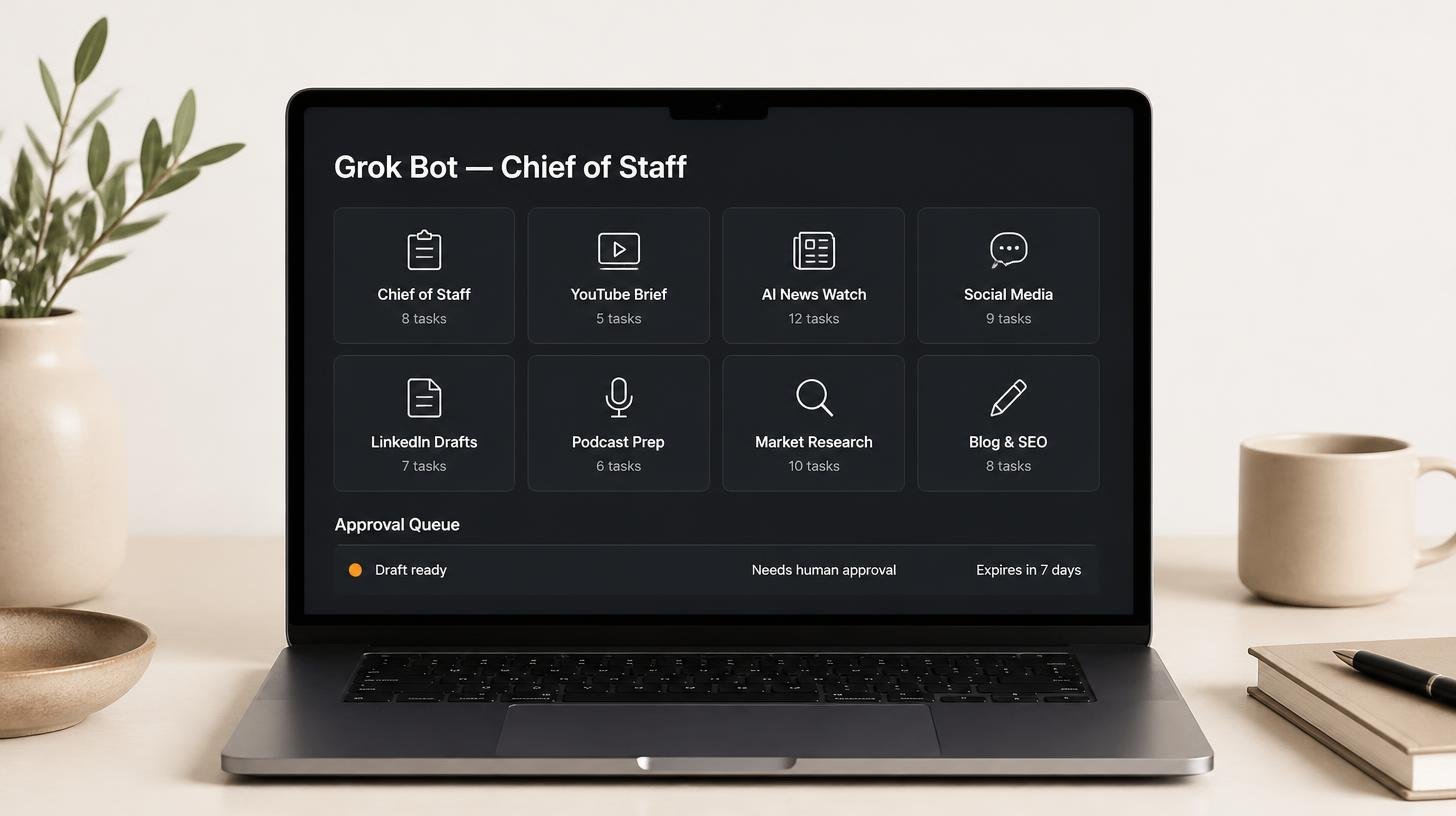
How my Grok Bot chief of staff grew into eight bots
Six weeks on, my Grok Bot chief of staff runs seven specialist bots. What they do each week, what br...
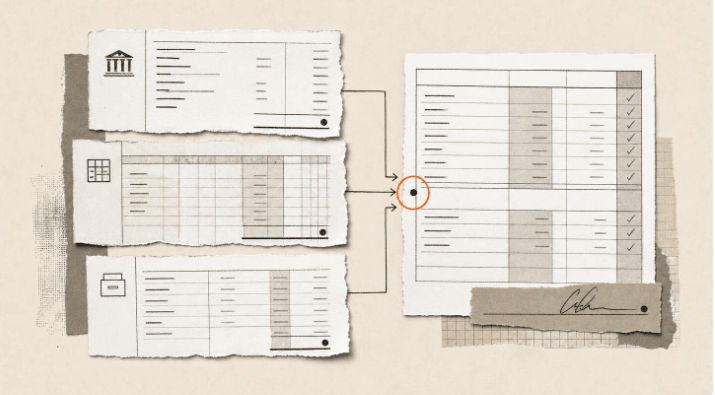
Claude skills for finance, and how to build your own
Claude skills for finance: the eight in Anthropic's Finance plugin, what they did on real data, and ...
How to create Claude Cowork skills by doing the work first
Build Claude Cowork skills that work first time. Do the task once, correct it, then have Claude pack...