Claude chat vs Cowork vs Code: Which One?
By Riz Pabani on 11-Jun-2026
Most people who tell me they "use Claude" mean one thing: the chat box. They type a question, Claude answers, they copy the answer somewhere else. That's it.
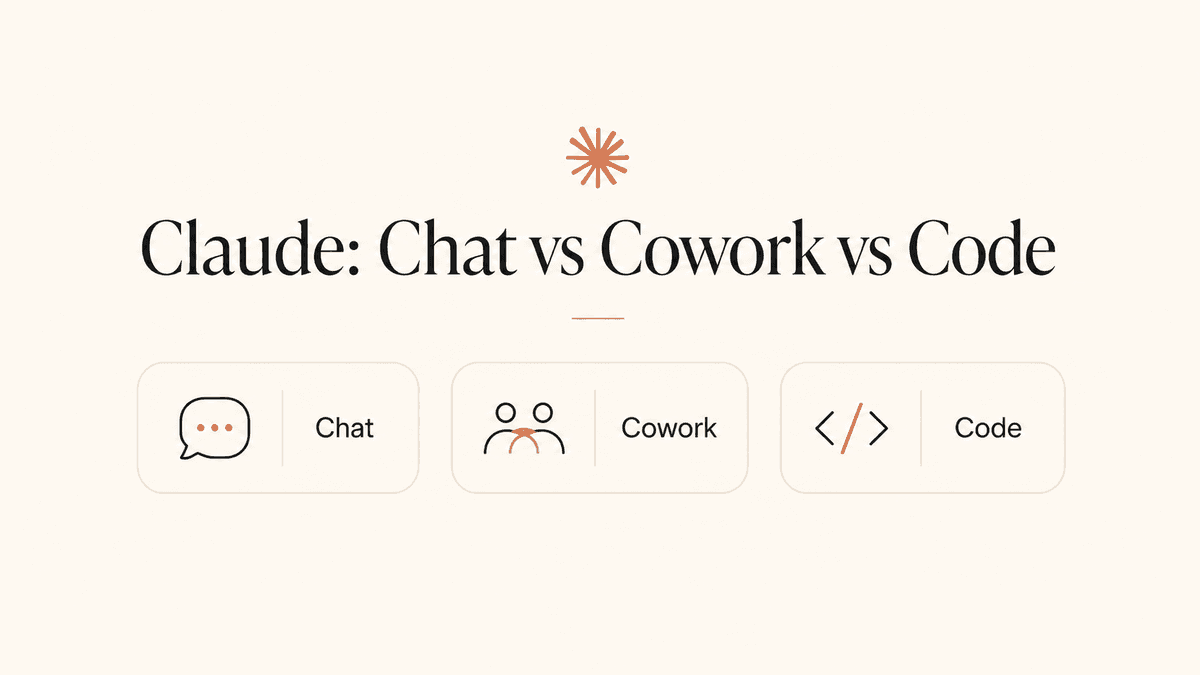
But open the Claude desktop app today and you'll see three modes sitting next to each other: Chat, Cowork, and Code. Same subscription, same underlying model, three completely different ways of working. If you've been wondering what the difference is between Claude chat vs Cowork vs Code, this post explains all three in plain English, with a summary table at the end so you can decide which one you actually need.
The short version: Chat talks, Cowork does, Code builds. The longer version is worth five minutes of your time, because picking the right mode is the difference between copying and pasting all day and handing work off entirely.
The one thing all three share
Before the differences, the common ground. All three modes run on the same Claude models from Anthropic. You don't buy them separately. One paid subscription (Pro at roughly $20 a month, or the higher Max tiers) covers all three. If you want to know which Claude model is doing the thinking behind these modes, and when to reach for one tier over another, I've broken them all down here: the Claude models compared.
Think of it as one brain with three different jobs. The brain doesn't change. What changes is what you've given it permission to touch.
Chat can touch nothing on your computer. Cowork can touch the folders you choose. Code can touch a software project. That single idea, permission, explains almost every difference below.
There's a second idea worth holding onto. Cowork and Code are the same Claude models, but wrapped in what's called a harness, a layer that lets the model take actions, use tools, and work in loops rather than reply once and stop. Anecdotally, that harness seems to lift the model's real-world capability well beyond what the raw chat box can do. It's the same reason other harnesses, like OpenClaw and Hermes, have caught on: the model was always capable, it just needed somewhere to put its hands.
Claude chat: the conversation layer
Chat is the Claude most people know. It's on the web at claude.ai, on your phone, and in the desktop app. You ask, it answers.
It's more capable than most people give it credit for. It writes, summarises, analyses documents you upload, searches the web, builds small interactive tools called artifacts, and runs deep research that produces what I call a McKinsey-style report. For most people, most of the time, chat is enough.
But chat has a hard boundary: it can't reach your computer. If you want it to work on your sales spreadsheet, you have to upload the spreadsheet. If it produces something useful, you have to copy it back out. You are the courier, ferrying material in and out of the chat window.
In my training sessions, this is where most people live. They've used the chat box, they've been impressed once or twice, and they've quietly concluded that AI means "a clever thing I copy and paste from". The whole point of the next two modes is to get past that.
Chat also has the only free tier of the three. If you've never paid for Claude, chat is what you've been using.
Claude Cowork: the doing layer
Cowork is the newest of the three and the one I now spend most of my training sessions on. Anthropic launched it in January 2026 as a research preview, and it's now generally available on every paid plan.
Here's the shift. Instead of you carrying files to Claude, you point Claude at a folder on your computer and say what outcome you want. It reads the files, makes a plan, shows you the plan, and then does the work: creating spreadsheets, writing documents, building decks, renaming files, pulling data together. You approve the big steps. You can watch it work or walk away and come back to the result.
A few things Cowork does that chat simply can't:
- Organise a real folder. Point it at your Downloads folder and it sorts, renames, and files months of clutter.
- Turn a pile of receipt screenshots into a formatted expense spreadsheet, with the merchant, date, and amount extracted from each image.
- Run scheduled tasks. Tell it once to summarise your inbox every morning at 8am, and it just happens.
- Use your other tools through connectors: Gmail, Slack, Notion, your calendar.
- Control your screen directly. Computer use is in research preview for Pro and Max subscribers, which means Claude can open apps and navigate your browser when there's no direct integration.
You can even send it tasks from your phone now and collect the finished work later, though that's still in beta and your computer needs to be on.
I've run numerous workshops on Cowork for small businesses, and it's the moment the room changes. Cowork is where a business stops treating Claude as a chat function and starts using it as an actual agent: scheduling tasks that run on their own, driving the browser, pulling together analytics, talking through strategy, and, crucially, holding context across many conversations instead of starting from scratch every time. That last one matters more than people expect. The agent remembers what you're working on.
One client uses Cowork to track analytics across all of their social media platforms. They've scheduled it, so every Friday morning it just happens: the numbers are gathered, compared to last week, and waiting for them in one place. No logging into five dashboards. No copy-paste. It runs whether they remember to ask or not.
Two honest caveats. Cowork burns through your usage limits faster than chat, because agentic work involves far more steps behind the scenes. And Anthropic itself says you shouldn't point it at regulated workloads or folders full of sensitive financial documents without thinking carefully about access. You decide what it can see. Decide deliberately.
If you want to try it, I've written a full walkthrough: How to set up Claude Cowork.
Claude Code: the developer layer
Claude Code is the oldest of the three agentic tools and the most powerful, and it's aimed squarely at people who build software. It lives in the terminal, the command-line interface developers work in, and plugs into editors like VS Code and JetBrains. There's now a Code mode in the desktop app too, which softens the learning curve.
Give it a codebase and it reads the whole thing, writes new features, fixes bugs, runs tests, and manages git, the version-control system developers use to track changes. Engineers at most major tech firms now use it daily, and it's the tool I build with. I've used Claude Code to build an iPhone app, and right now I'm building a new SaaS product with it called eatmedia.ai.
Here's the thing non-technical people miss: Cowork is built on the same agent harness as Claude Code. Anthropic took the engine that makes Code work and wrapped it in a desktop app with no terminal. So when people ask me whether they should learn Claude Code, my answer is usually no. Start with Cowork. If you eventually hit its limits and want full control, Code is waiting. Most founders never need to make that jump.
English is a programming language now. Code is for the people who still want the other kind too.
The summary table
| Mode | What it is | Best for | Reaches your files? | Works while away? | Free tier? |
|---|---|---|---|---|---|
| Chat | A conversation in a window | Quick answers and drafts | No, upload only | No | Yes |
| Cowork | An agent that works on your files | Founders, managers, professionals | Yes, folders you choose | Yes, incl. scheduled tasks | No |
| Code | An agent that works on a codebase | Developers and engineers | Yes, full project access | Yes | No |
Which one should you use?
Ask yourself one question: does the task end with an answer, or with a thing?
If it ends with an answer (a summary, an opinion, a draft you'll tweak), use chat. It's the fastest path and it costs the least usage.
If it ends with a thing (a spreadsheet built from your actual files, a report assembled from a folder of notes, a tidy filing system), use Cowork. This is where the real time savings hide for small business owners. The work I see founders drowning in is rarely "I need an answer". It's invoices, follow-ups, reports, and folder chaos. That's Cowork territory.
If it ends with software, use Code, or hire someone who does.
The mistake I see most often is people using chat for Cowork-shaped problems. They spend an hour copying data out of PDFs into the chat window when Cowork would have read the folder directly and handed back a finished spreadsheet. The tool wasn't wrong. The mode was.
If you're weighing Claude against other desktop agents entirely, I've compared them here: OpenClaw vs Hermes vs Claude Cowork.
Try this today
If you're on the free plan, start in chat: paste in a messy email thread and ask for a reply in your tone.
If you're paying for Claude, open Cowork and try one of these:
- Tidy your Downloads folder. Point Cowork at it and ask it to organise everything: sort by type, rename sensibly, file the clutter into folders. It's the single most satisfying first task I know, because the mess is real and the result is immediate.
- Build yourself a second brain. Hand Cowork a folder of your notes, documents, and saved articles and ask it to turn them into a connected, searchable knowledge base you can think out loud with. I've written up exactly how I do this: building a second brain with AI.
Both of these are things chat simply can't do, and both take about five minutes to start.
And if you'd rather have someone sit with you for 90 minutes and set all of this up properly on your own laptop, that's what I do. Here's what happens in an AI training session. If you're not sure whether it's right for you, message me. I'll tell you honestly.
<!-- SEO CHECKLIST Title tag: Claude chat vs Cowork vs Code: Which One? | Dreams AI Can Buy (41 chars before brand) Meta description (excerpt): Claude chat vs Cowork vs Code explained in plain English — what each mode does, what it costs, and which one you actually need. (125 chars) Target keyword in: H1/title ✓, first 100 words ✓ ("Claude chat vs Cowork vs Code"), excerpt ✓ Internal links: /blog/claude-cowork-setup-guide, /blog/openclaw-vs-hermes-vs-cowork, /what-happens-in-a-session Schema: Article + FAQ (the "Which one should you use?" section can feed FAQ schema) Sources used (for fact-checking, not for publication): - https://claude.com/product/cowork (official — GA on all paid plans, Jan 2026 research preview launch, computer use research preview Pro/Max, phone pairing beta, usage limits warning, regulated workloads warning, pricing $17-20 Pro / $100 Max 5x / $200 Max 20x / $20 Team seat) - https://claude.com/product/claude-code - https://code.claude.com/docs/en/desktop (Code desktop app) - https://www.anthropic.com/product/claude-cowork -->Related Articles
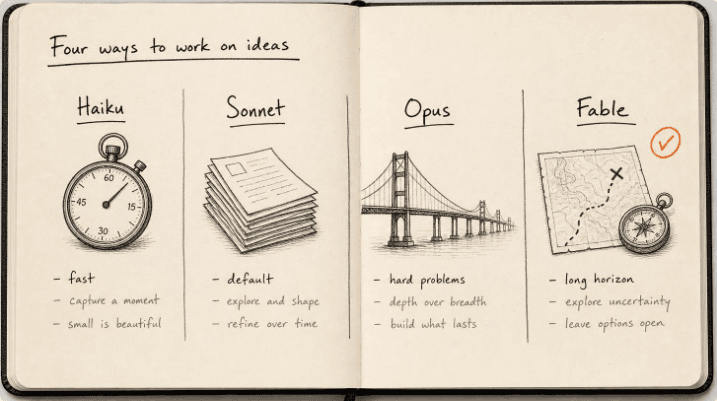
Claude models compared 2026: Fable, Opus, Sonnet, Haiku
The Claude models compared for 2026: what Fable 5.1, Opus 5, Sonnet 5 and Haiku 4.5 each do best, wh...
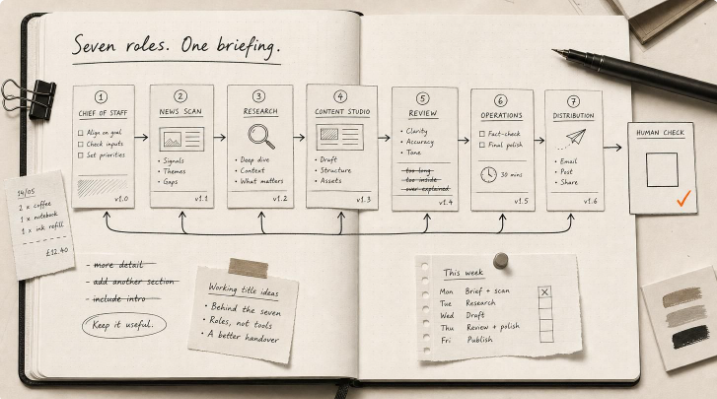
Hermes Agent Bot Mode: how I run a fleet of AI bots
Hermes Agent bot mode: seven AI bots that research, draft and review each other's work, and why none...

How I set up Grok Bot (and what I use it for)
How I set up Grok Bot: a Chief of Staff bot, three specialists, a weekly cadence, and a hard human g...
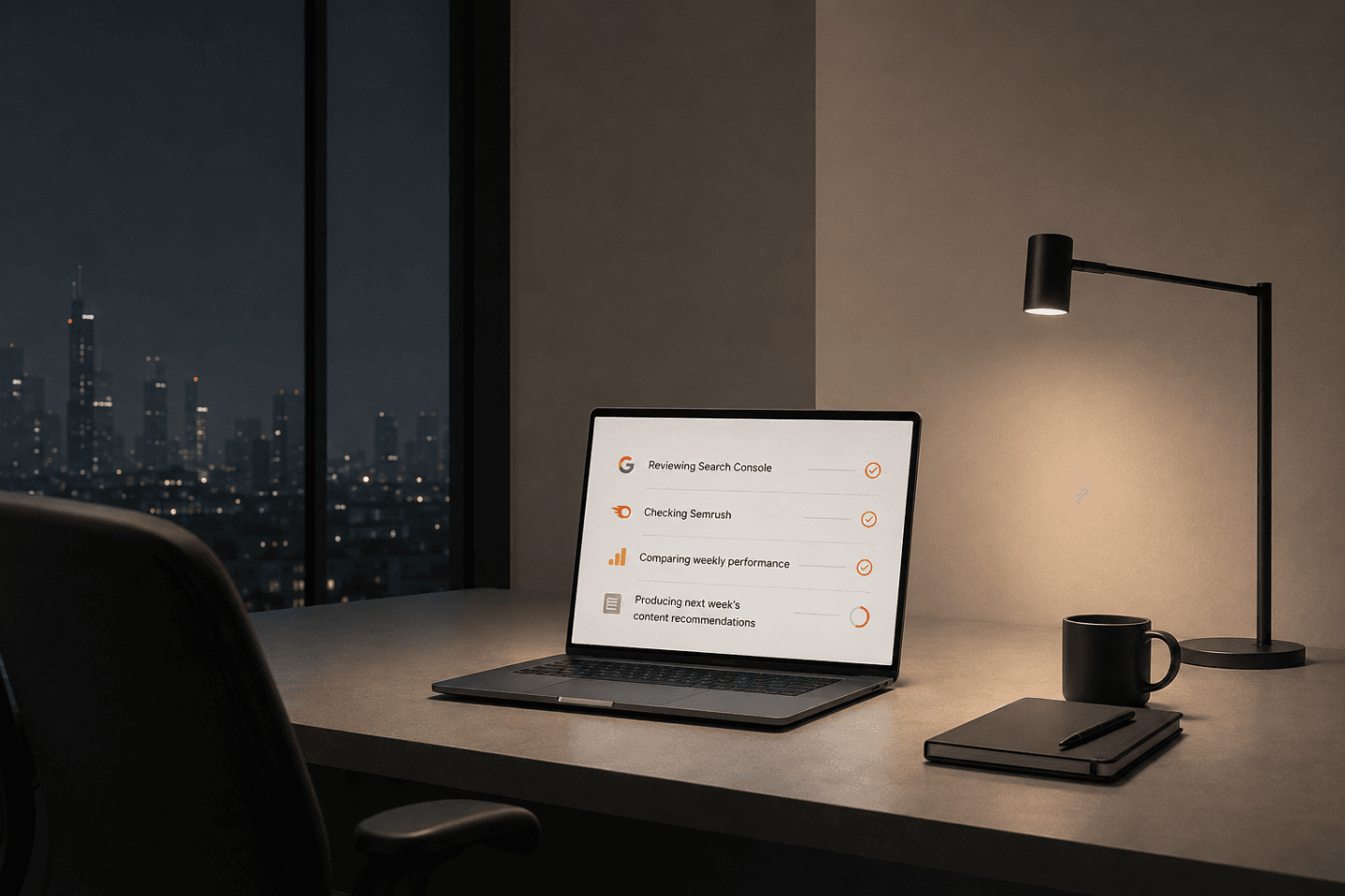
How I Rank on Google Using Claude Cowork
I'm not an SEO expert. Here's the Claude Cowork workflow Claude and I built to rank on Google — and ...