AI Harness Wars: Codex vs Claude Code vs Cowork
By Riz Pabani on 03-Jul-2026
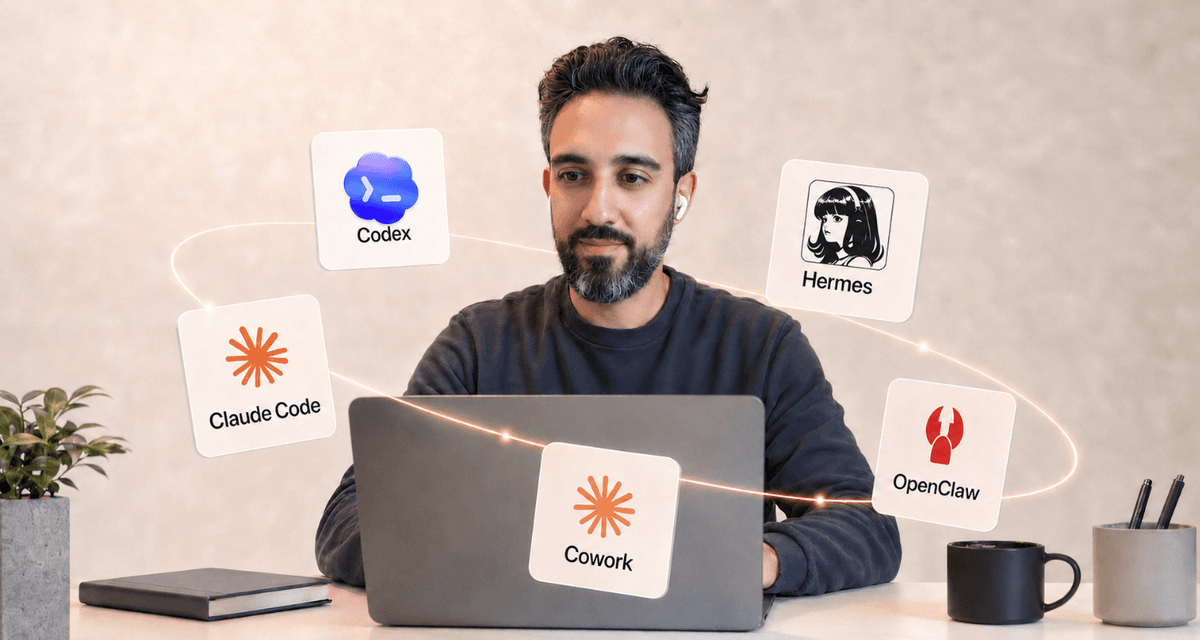
Gary Tan said something on the Naval podcast this week that landed for me.
"2027 will be the year of the AI harness war. Is it going to be Codex? Claude Code? Cowork? OpenClaw? Hermes? What harnesses are people going to use day-to-day for everything?"
That's the whole question. Not which model is smartest. Not which lab has the biggest data centre. The model war is basically over — there are two, maybe three, frontier models, and they're all more capable than most of us need most of the time. The interesting fight is one level up: the thing you wrap around the model to make it actually useful for real work.
That thing is called a harness. And people have wildly different opinions about which one to use.
I sit down with people in one-to-one AI training sessions every week and this question comes up in almost every one. So here's my honest take on the five harnesses in Gary's list, what each one is actually for, and which one I'd put in front of you depending on what you do all day.
What is a "harness"?
Quick definition, because it's a bit of a developer word.
A model on its own is an Autocomplete Machine. You type something in, it types something back. No memory. No files. No ability to run code, open your calendar, or send an email.
A harness is the thing you strap around that model to give it hands, eyes, and a persistent brain. It's what turns a chatbot into something that can actually do a job.
Different harnesses make different bets. Some are built for developers writing code. Some are built for knowledge workers writing documents. Some are built for autonomous agents running in the background. Same model underneath. Very different tools.
That's why one person can tell you Claude is amazing and another person can tell you Claude is useless. They're using the same brain in completely different harnesses.
The five contenders
Very quick tour before we get into the trade-offs.
Codex. OpenAI's agent. It started as a coding tool and grew into much more. Runs in your terminal, in your editor, and in a genuinely good desktop app. You give it a task — write code, or draft a document, or research something — and it goes off, does the work, and comes back with the result. Connectors let it reach your email, calendar and other apps. Gary Tan said on the podcast he's running six Codex agents at once. That's real.
Claude Code. Anthropic's coding harness. Terminal-first, agentic, writes and edits code across a whole repository. This is the developer's tool — arguably the best in the world at building software right now. Runs on the same Claude models the rest of us use in the chat app.
Claude Cowork. Anthropic's harness for non-developers. Runs on your desktop. Talks to your files, your browser, your Gmail, your Google Drive. Same underlying models as Claude Code but the interface is designed for someone writing a proposal, not someone writing Python — no terminal, no code. This is where most of my clients live.
Hermes. An open-source agent framework you run on your own server. Once you set it up, agents run in the background — reading news, checking your calendar, drafting messages, watching for things — and message you on Telegram when there's something you need to see. This is where the "I've got an AI agent doing that for me" stories come from.
OpenClaw. The one that started this whole wave. Also an open-source agent framework, also runs on a server, also does the background-agent thing. Twelve months ago this was the tool everyone was building around. Right now, in the data I look at every week, it's in terminal decline.
That's the field. Now, the trade-offs.
How they actually differ
There are three axes that matter for anyone who isn't a full-time engineer.
Axis 1: who's it for. This is where people get it wrong. Claude Code is the developer tool — it's for people who want to build software, full stop. Claude Cowork is the non-technical sibling, for anyone working in documents, files and email. But Codex sits across both: it runs in the terminal if you want to build software, and it ships with a genuinely good desktop app that's every bit as capable as Cowork for a knowledge worker who never wants to see a line of code. So "Codex is for developers" is out of date — it's for both. Hermes and OpenClaw are the odd ones out: they're for people who want agents doing things in the background while they sleep.
Axis 2: where does it run. Codex and Claude Code run on your machine (or their cloud) and expect you to be at the keyboard. Codex and Cowork both have desktop apps you bring into your normal workflow. Hermes and OpenClaw run on a server — the whole point is that they keep running when you close your laptop.
Axis 3: how much setup. Claude (both Cowork and Code) and Codex are downloadable apps for Mac and Windows. You install them and you're working in minutes — no server, no command line unless you want one. Hermes and OpenClaw are a different order of effort: you need to rent a virtual server and be willing to spend a bit of time in the terminal. You do not need a domain name — that's a common myth. The payoff is real, but the setup is where most people stop. If you want to see exactly what it takes, I've written step-by-step guides for both: Hermes on a Hostinger VPS and OpenClaw on a Hostinger VPS.
Here's the practical read for each.
Codex
Codex is the one people underestimate, because they still think of it as "the coding one." It's more than that now. You point Codex at a folder — start from scratch or use an existing project — and it works inside it. It reads your files, writes new ones, and pulls in context from your email, messages and connected apps. Documents, PDFs, presentations, spreadsheets, image generation, browser control — all built in. No plugins to install. You describe what you need and it picks the right skill, and for the jobs you do over and over you can build your own skills so it handles them the same way every time.
The connectors are the bit most people miss. You can wire Codex up to your email, your calendar and other applications, so it's not working blind — it's working with your actual world in front of it. And it's already included in ChatGPT's paid plans, so if you pay for ChatGPT and have never opened Codex, you're leaving something on the table you've already bought.
You can run it three ways — terminal, editor, or the desktop app. Gary Tan's six-agents-at-once claim is possible because Codex is genuinely good at picking up a described task, going away, and coming back with a working answer. Costs are dropping fast. Two years ago this would have been science fiction. If you want the guided version, I run a Codex training session that gets it installed, connected and doing real work in 90 minutes.
Claude Code
Claude Code lives in the terminal and it is, for my money, the best harness in the world for building software. If you write code or you have people who do, this is the deep end. The plugins ecosystem has genuinely taken off, the MCP integrations let it reach into almost anything, and there's a huge amount you can do with it once you're set up. I'm not going to pretend it beats Codex on every task — the honest reason a lot of my technical clients gravitate to it is simpler than that: Claude just has, at the moment, the better models. That's it. When the models are this good, the harness around them shines.
The catch: it's expensive if you push it hard. On the podcast Gary Tan mentioned Cowork/Code plans costing eight thousand dollars a month at the enterprise tier. That's not the price most of us pay, but it tells you where this is heading. Serious use costs serious money.
Claude Cowork
Claude Cowork is the one I put in front of nine out of ten of my one-to-one clients. Not because it's flashier. Because it meets people where they already work, and there's no terminal, no code, no command line to it.
You point it at a folder on your computer and it can read, write and organise files inside it — actually, not hypothetically. It builds spreadsheets and presentations from scratch, drafts documents, does research. If you're logged into Google Analytics, LinkedIn, your email, it can see what you see in the browser and act on it — no APIs, no exports. And unlike some tools (looking at you, OpenClaw), it runs in a lightweight VM on your machine: it can see your folder and your browser, but it can't run loose on your operating system. That security story matters more than people think.
My favourite blog post on the site right now — the one that keeps quietly growing in Google every week — is a client-facing walkthrough of 25 Claude Cowork tips I actually use every day. None of them require you to write a line of code. The recent update on Skills and Projects has made it noticeably better for teams. If you're an owner-manager of a small business wondering "which one thing should I actually invest an afternoon learning," this is my honest answer — and if you want it set up properly, that's exactly what my Claude Cowork training does.
Hermes
Hermes is the harness I use for the stuff that runs when I'm not there. My morning news brief lands in Telegram at 7am. A weekly business check-in agent nudges me on Sundays. There's an agent that reads my son's school newsletters and tells me what I actually need to know. Three separate agents, each running on the same little server, each with its own memory. Full walkthrough of the Hermes setup on a Hostinger VPS if you want to see what it takes.
Once it's running, it's the most powerful harness of the five for anyone who wants a genuine "the AI works while I sleep" setup. The catch is the setup. If you've never rented a server or installed anything on a Linux command line, budget half a Saturday and be patient. Or come to a session and I'll do it live with you. Ongoing best-practice guide lives in my Hermes tips post.
OpenClaw
Here's where I have to be honest. Twelve months ago OpenClaw was the tool I sent everyone to first. It hit 60,000 GitHub stars in a matter of weeks. It's the reason the whole "I run my own AI agent on a server" idea broke into the mainstream.
But my own experience with it, running real agents day to day, is that it broke a lot. The best way I can put it: OpenClaw is a Jaguar — beautiful, ambitious, and forever back in the garage. Hermes is a Honda. It just starts every morning and does the job. Hermes came along, took the same basic idea, made it more reliable, made setup easier, and made the security story better. That reliability gap is the whole reason I moved. My OpenClaw vs Hermes vs Cowork piece walks through the specifics.
If you're already running OpenClaw and it works for you, don't rip it out. If you're starting fresh in July 2026, Hermes is where I'd start.
What I actually use
For transparency, because "what should I pick" is easier to answer if you know what the person recommending has running themselves.
- Claude Cowork: on the desktop, all day, for writing, planning, reviewing client work, drafting emails, and running my content calendar.
- Hermes: on a Hostinger VPS, running three background agents (news brief, business check-in, school newsletters).
- Claude Code: for the actual site you're reading, for the internal tools I build for my business, and for anything that involves editing a codebase.
- Codex: both for my own work and with clients. A chunk of my client work now is helping knowledge workers — non-technical people — leverage Codex to get things done exactly the way they would in Claude Cowork. I also use it to give a second opinion on something Claude Code has just done.
- OpenClaw: nothing in production. It's still running on an old server I haven't turned off. That's the whole story.
So four out of five, actively. But the mix is deliberate. Claude Cowork is the desktop brain. Hermes is the background staff. Claude Code and Codex are the coding tools — and increasingly, Codex is a knowledge-work tool too. OpenClaw is the one that got me here.
Which one for what
Cut to the chase. If you're picking one thing to learn this month:
- You're an owner-manager or team lead who doesn't code. Start with Claude Cowork or Codex — both meet you on the desktop and both do real knowledge work without you touching code. Pick one, learn it properly, and you'll pay it back faster than anything else on this list.
- You're a developer or you have people who code for you. Pick either Claude Code or Codex. Honestly, you can't go wrong with either — and the smart move is to run both and have one peer-review the other's work. A second model looking over the first catches more than you'd think.
- You want the "AI agent that runs my morning brief / checks my inbox / watches my calendar" thing. Start with Hermes. Budget a half-day for setup or come to a session and we'll do it together.
- You're already running OpenClaw and it works. Leave it alone. Add Claude Cowork on the desktop side. Migrate to Hermes when your OpenClaw setup next needs a rebuild.
The one thing I'd push back on is the instinct to standardise on a single harness across everything. These tools are not substitutes for each other. Claude Cowork isn't a worse version of Claude Code. Hermes isn't a better version of OpenClaw. They're doing different jobs. And the landscape is moving so fast that the "best" one genuinely changes month to month — one week Codex ships something that puts it ahead, the next week Claude does. That churn is exactly why running two or three of them, each doing what it's good at, beats betting everything on one.
Where this goes
Gary Tan's line about 2027 being the harness war was doing more than one job. He was also saying: the fight isn't over yet. The names in the paragraph you just read might not be the same names in twelve months.
Claude Cowork is being aggressively expanded (plugins, Skills, Projects). Codex is now on your phone and in your terminal at the same time. Hermes and OpenClaw are open source, which means they can change hands overnight if the people running them fall behind. Something none of us have heard of yet will probably show up in the next six months. That's fine.
What won't change is the shape. There will be a harness for writing code. A harness for writing everything else. A harness for background agents. Maybe a harness for something we haven't found a name for yet. The models will get cheaper and better. The harnesses will decide who actually uses them.
What to do next
If you're reading this and thinking "right, but which one for my job, my team, my week" — that's the exact question the 90-minute 1:1 AI training session is built to answer. We open up your actual work. Pick the harness that fits. Get one thing running end-to-end while you watch. You leave with the setup, not just the idea.
If your team already knows what they want and you just need one concrete thing installed and configured, the AI Opportunity Map is £199 and does exactly that. Sixty minutes, one outcome, walk out with it working.
Not sure which is right? Message me. I'll tell you honestly.
Related Articles
AI cited my site 18,400 times and I had no idea
Google Search Console has a hidden report on how often AI Overviews and AI Mode show your site. Mine...
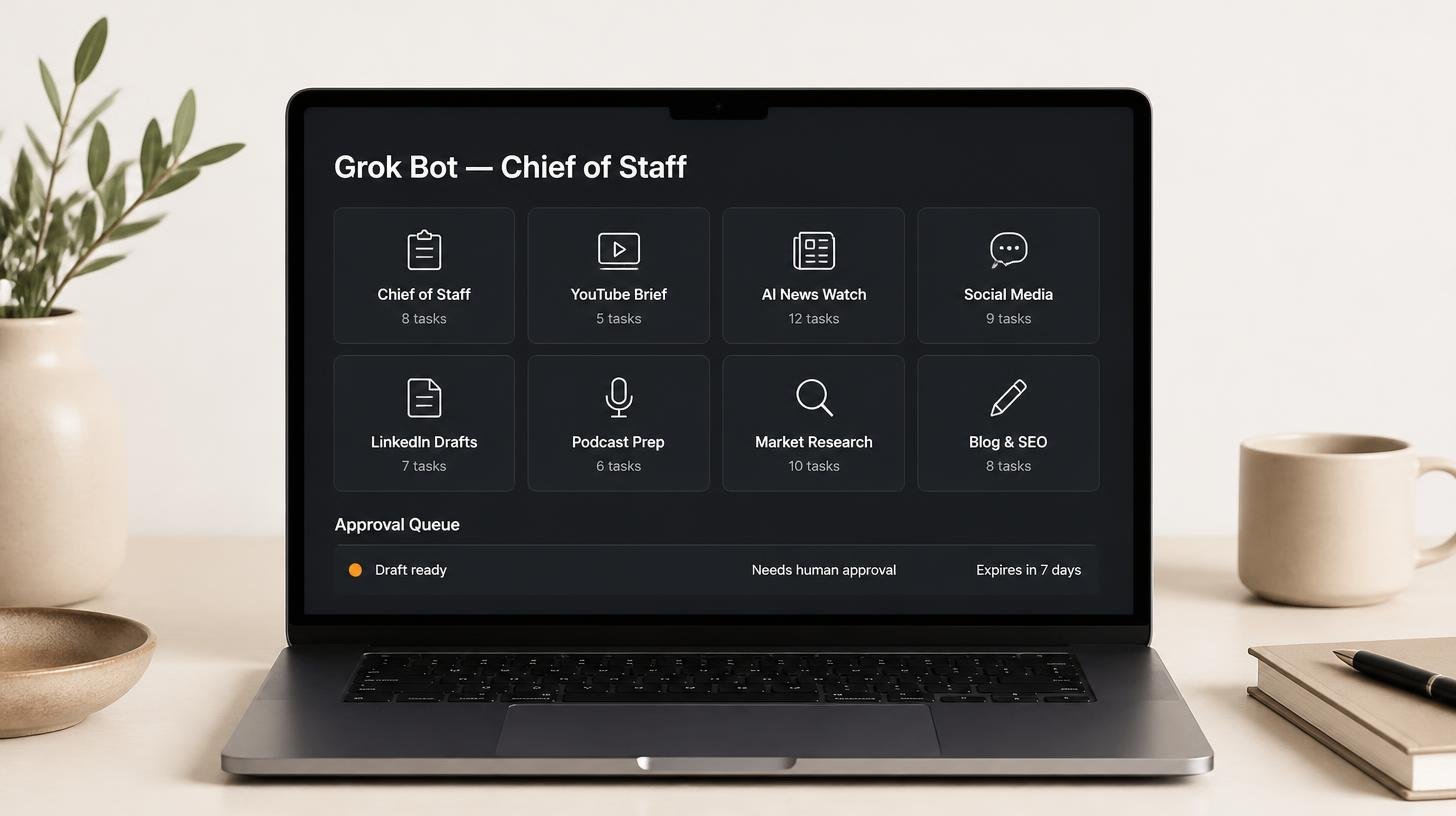
How my Grok Bot chief of staff grew into eight bots
Six weeks on, my Grok Bot chief of staff runs seven specialist bots. What they do each week, what br...
Claude skills for finance, and how to build your own
Claude skills for finance: the eight in Anthropic's Finance plugin, what they did on real data, and ...
How to create Claude Cowork skills by doing the work first
Build Claude Cowork skills that work first time. Do the task once, correct it, then have Claude pack...