Claude Projects vs Cowork vs Skills explained
By Riz Pabani on 22-Jun-2026
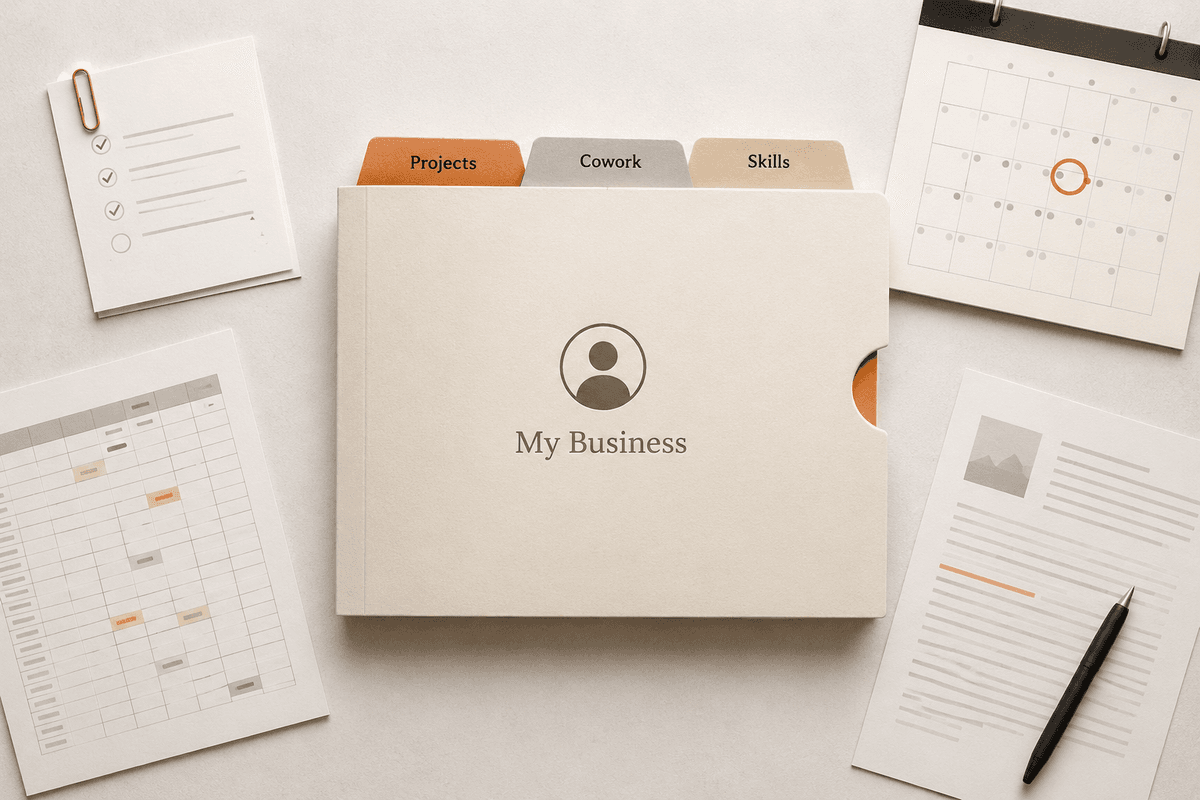
If you pay for Claude, you've now got three features that all sound like the same thing. Projects. Cowork. Skills. Each one promises that Claude will "remember your context" or "work your way", and Anthropic's naming doesn't help you tell them apart.
I run my whole business on these three features, so this is the plain-English version of Claude Projects vs Cowork vs Skills: what each one actually does, where they overlap, and which one you need for the job in front of you.
The 30-second answer
A Project is a filing cabinet. It holds the documents, instructions and memory for one area of your work, and every conversation you have inside it starts with that context loaded.
A Cowork folder is a pair of hands. You point Claude at real files on your computer and it reads them, edits them, and creates new ones while you do something else.
A Skill is a training manual. You write down how you do a task once, and Claude follows that process every time the task comes up, in chat or in Cowork.
That's the whole model. The rest of this article is each one in detail, with examples of how I actually use them.
Claude Projects: a workspace for conversations
Projects live in the Claude app you already use. You create one, give it a name, upload the documents that matter (a price list, brand guidelines, a contract template), and write instructions like "always use UK English and keep quotes itemised".
Every chat you start inside that Project knows all of it. You're not re-explaining your business from scratch each time, and Claude builds memory from your conversations in the Project too, so context compounds over weeks rather than resetting every chat.
I'd set up a small business with one Project per recurring area: one for marketing with the brand voice and past examples in it, one for a big client with the contract and correspondence, one for hiring with the job specs. Free accounts get up to five Projects, which is enough to test whether this changes how you work. It will.
The limitation is the important bit. A Project can't touch the files on your computer. Everything moves by upload, download and copy-paste, and you're in the conversation steering the whole time. That's fine, because that's what Projects are for: thinking work, drafting, and back-and-forth where you want to stay in the loop.
Claude Cowork: Claude working in your actual files
Cowork is different in kind, not degree. It runs in the Claude desktop app, and instead of chatting with Claude, you give it access to a folder on your computer and assign it a task. It plans the work, does it, and the finished files land in your folder. Proper Excel files with working formulas, formatted documents, organised subfolders.
The obvious first use is the boring one: point it at the folder where receipts pile up and ask for an expense report. Or the proposals folder, and ask it to draft the next one in the same format as the last five.
Cowork now has its own version of projects as well: a folder plus instructions plus memory plus scheduled tasks, all stored locally on your machine. This is where it gets properly useful. My entire business is one Cowork folder. There's an instructions file at the top that tells Claude what the business is, how I write, and where everything lives. Every Friday at 1am a scheduled task wakes up, pulls my search and LinkedIn performance data, and writes my weekly content review before I do.
Two honest caveats. Cowork burns through your usage allowance much faster than chat, so save it for work that justifies it. And it makes real changes to real files, so the first time you try it, point it at a copy of a folder rather than the only version of anything.
If you want the full setup walkthrough, I've written one: how to set up Claude Cowork.
Skills: write the process down once
A skill is the least understood of the three and probably the one that pays back fastest for a small business.
It's a short document that describes how to do one task your way. How you quote jobs. How you format invoices. What your brand voice sounds like and which words you never use. Claude reads the relevant skill whenever that task comes up, automatically, and follows it.
The part that makes skills worth the effort: they're portable. A skill works in normal chat, inside Projects, in Cowork, everywhere. You write the process down once and every future conversation benefits, which is more than most businesses can say about their actual training manuals.
I have eight custom skills running. One writes blog drafts following my templates and a voice guide with a list of banned phrases. One prepares materials before every client session. The drafts that come out still need my edits, but they start 80% right instead of 20% right, because the process is written down.
You don't need to learn a format to build one. Describe your process to Claude and ask it to write the skill for you. This is my "write me a prompt" trick applied to processes: the AI is better at writing instructions for itself than you are.
Which one do you need?
Work it out from the job, not the feature list.
If the work happens in conversation (drafting, thinking, asking questions against a fixed set of documents) use a Project. If the work happens in files (reports, spreadsheets, sorting a folder, anything you'd otherwise do in Explorer or Finder) use Cowork. If you do the same task repeatedly and care that it's done the same way every time, write a Skill.
And they stack. The setup that runs my business is a Cowork project pointed at one folder, with an instructions file for context and skills for every repeating process. The Projects in the chat app handle everything conversational that doesn't need file access.
Most people I train are using none of the three. They open Claude, type a question into a blank chat, get a generic answer, and conclude the tool is overrated. The tool was never the problem. It had no context, no access and no process. These three features are how you give it all of that.
Where to start
Start with one Project. Pick the area of your business you ask Claude about most, upload the five documents that matter, and write three lines of instructions. That's twenty minutes and it'll improve every conversation from then on.
If you get on with that, try Cowork on a copied folder, then write your first skill for whichever task you've explained to Claude more than twice.
This is exactly the kind of thing I map in a £199 AI Opportunity Map: a live 60-minute session where you tell me how your business runs, together we map the workflows where AI saves you time, then build your biggest win live, on your own accounts — so you leave with it running, plus the prompts you can paste in. If you're not sure it's right for you, message me. I'll tell you honestly.
Related Articles
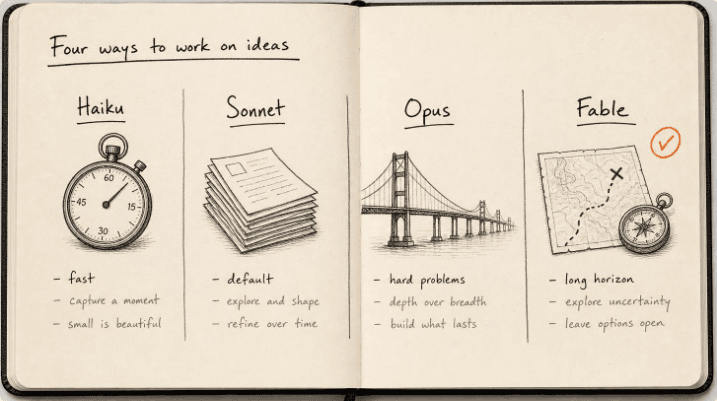
Claude models compared 2026: Fable, Opus, Sonnet, Haiku
The Claude models compared for 2026: what Fable 5.1, Opus 5, Sonnet 5 and Haiku 4.5 each do best, wh...
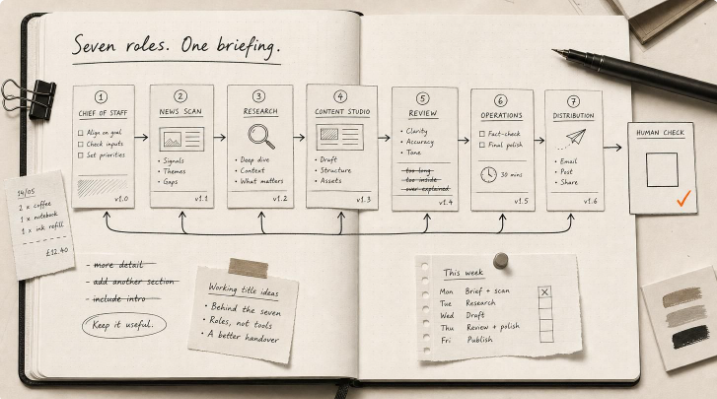
Hermes Agent Bot Mode: how I run a fleet of AI bots
Hermes Agent bot mode: seven AI bots that research, draft and review each other's work, and why none...

How I set up Grok Bot (and what I use it for)
How I set up Grok Bot: a Chief of Staff bot, three specialists, a weekly cadence, and a hard human g...

How I Rank on Google Using Claude Cowork
I'm not an SEO expert. Here's the Claude Cowork workflow Claude and I built to rank on Google — and ...