How I set up Grok Bot (and what I use it for)
By Riz Pabani on 06-Sept-2026
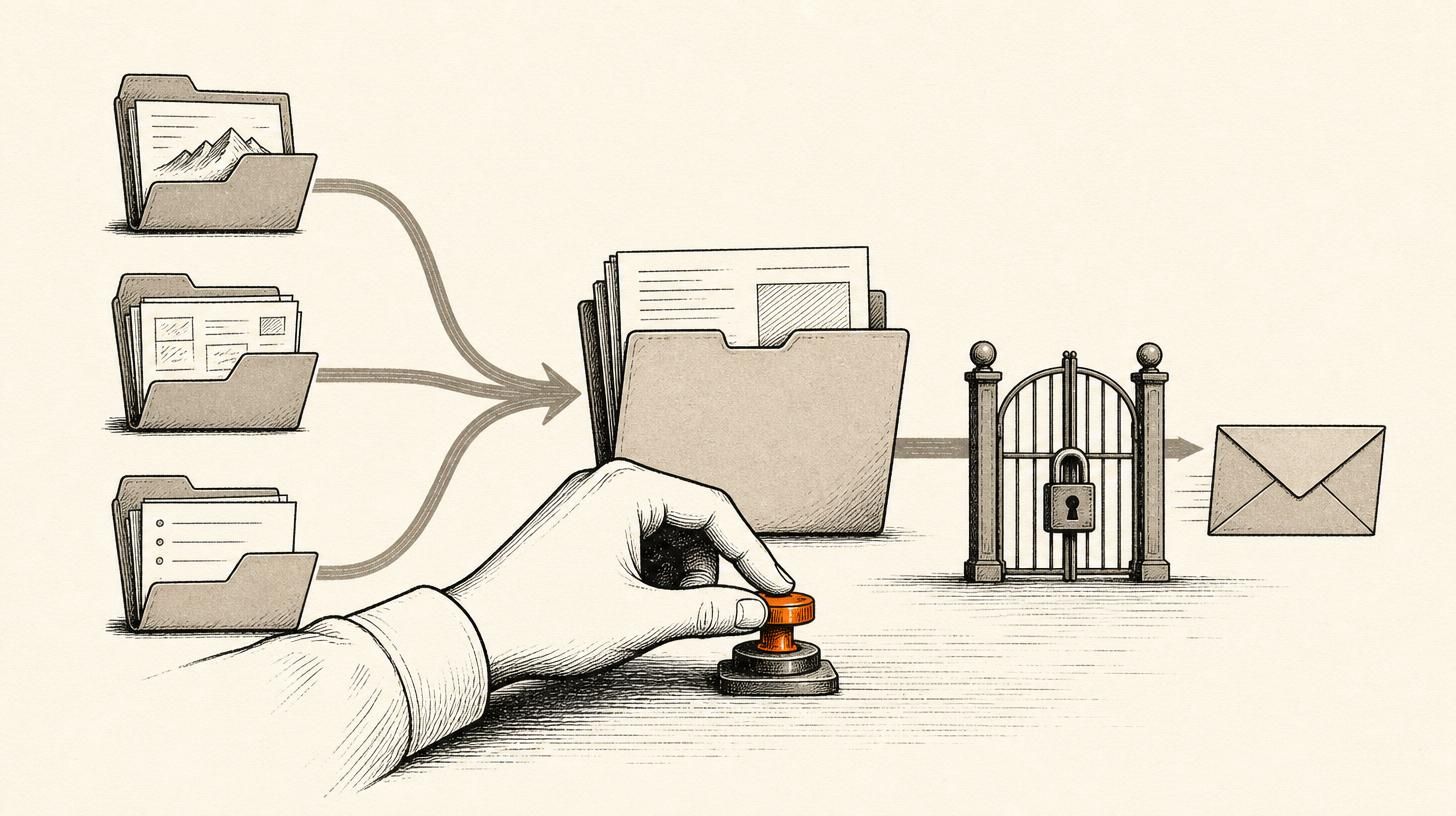
I spent the first week of September wiring up Grok Bot to do the boring parts of my week, without letting it post anything on my behalf.
This is the exact setup I'm running, start to finish. If you want a concrete pattern to copy, take it.
Update, October 2026: six weeks on, the Chief of Staff runs seven specialists. What they do each week and what broke is in how my Grok Bot chief of staff grew into eight bots.
What Grok Bot is
Grok Bot is xAI's new agentic assistant. It runs on a schedule, coordinates other specialised bots you create, and connects into tools you already use like Gmail, Calendar, Drive and X.
I run it through my Cursor Pro subscription. Worth knowing before you start: Grok Bot isn't a free standalone app, it comes with a Cursor plan. On annual billing that works out reasonable enough that I stopped watching the cost.
Treat it as a small team you manage. You give each bot one job. You decide what needs your sign-off, and nothing goes public until you say so.
One caveat worth stating plainly, because most write-ups skip it. Your bots are not sealed off from each other. xAI says in its own docs that they share one cloud computer and logins, and that you shouldn't treat separate bots as a security boundary. So when I talk about keeping things separate below, I mean separate voices and separate jobs, not sealed compartments.
I run Dreams AI as 90-minute 1:1 training. Exponential Partners is the separate company page for mid-market work. Same person, different voice. Grok Bot helps me keep those two voices apart without living in a tab jungle.
Step 1: Connect the tools you already pay for
First I connected Google: Gmail, Calendar and Drive.
Then I connected X as @valuableone, mainly so the news scans can pull what commentators are actually saying, not just press releases. Handy detail here: Grok Bot's X connector can read the timeline but it can't post to it. That suits me exactly. I want it reading, never touching.
There's no LinkedIn connector, and that's fine. Drafts come to me as paste-ready copy, and I asked for them by email too. I still hit post myself. I want that gate.
Step 2: Build a Chief of Staff, then add specialists
My main bot is Chief of Staff. It coordinates the others, keeps track of what's due, and it's the place I approve things.
Under it I created three specialists:
- YouTube Brief watches the channels I already follow: AI Daily Brief, All-In and Dwarkesh Patel. It summarises what's new and flags angles worth writing about. Runs weekdays at 8am London.
- AI News Watch hunts lab news from OpenAI, Anthropic, DeepMind, Meta AI, xAI, Microsoft and Mistral, plus a short list of commentators. It flags what's useful for Exponential Partners versus Dreams AI.
- LinkedIn Drafts turns the good stuff into posts in my voice. Every draft goes through a humaniser pass so it doesn't read like a chatbot. It never posts.
That's the whole roster on my phone. Four bots, nothing else:
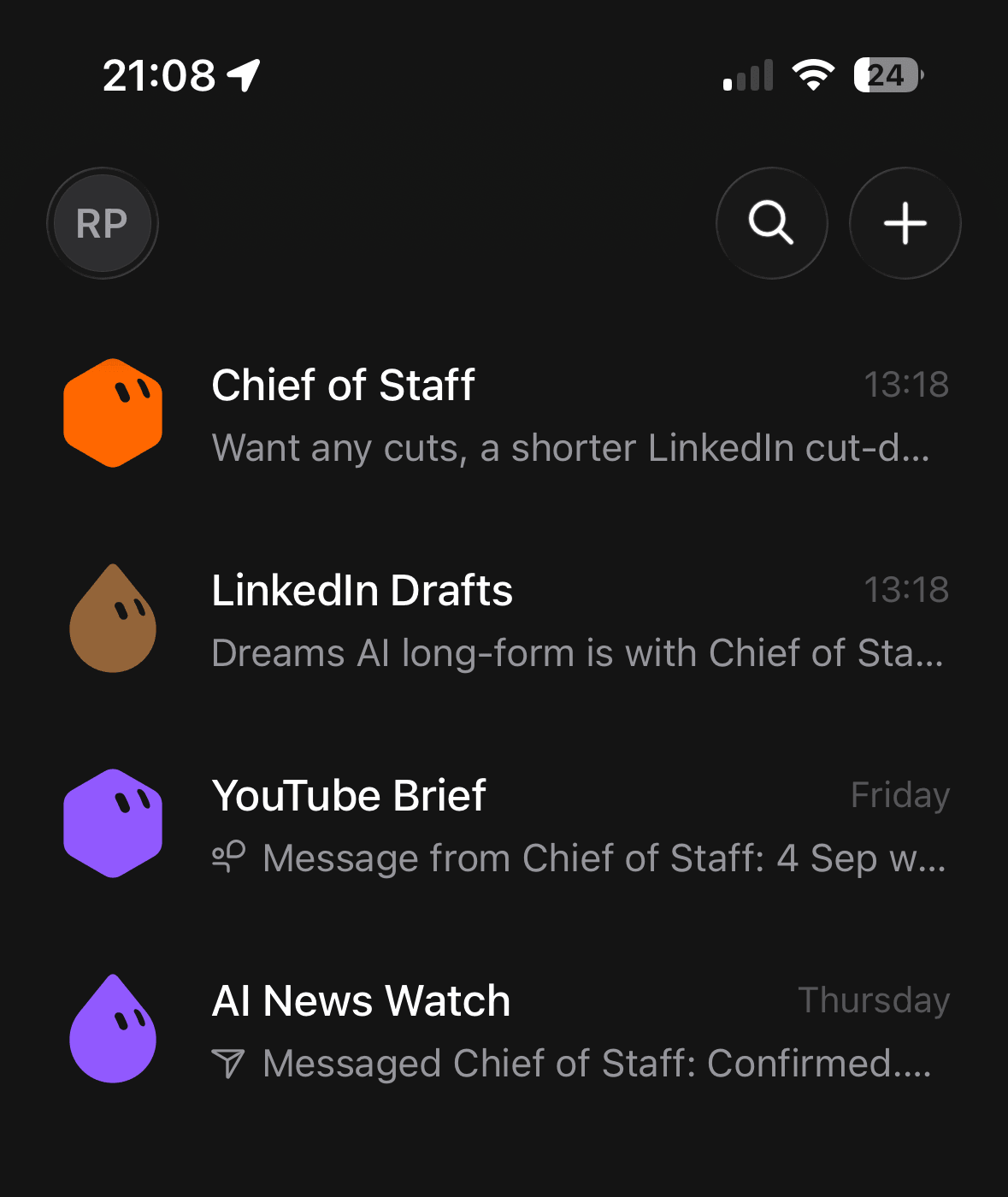
Notice the message previews. The specialists don't report to me, they report to Chief of Staff. YouTube Brief's last line is a message from Chief of Staff, and AI News Watch's is a message back to it. That's the coordination happening without me in the middle of it.
If you only build one thing, build the Chief of Staff pattern. One inbox for decisions. Specialists for the grunt work.
It's the same shape as the agents I already run on Hermes, which I wrote about in what my AI agents actually do all day. Different harness, same discipline.
Step 3: Set a cadence you'll actually keep
Daily AI news was too much. I cut it.
Here's the week now:
- Monday and Wednesday, 9am London: news scan only. Short brief. No posts.
- Thursday, 9am: LinkedIn pack for Friday. I approve, edit or decline in Chief of Staff chat.
- Friday, 9am: paste-ready nudge. Still no auto-post.
- Weekday 8am: YouTube Brief, in its own slot so it doesn't collide with the news jobs.
For Exponential Partners I locked a Friday series name: Latest in AI. One corporate-facing wrap, plus a separate commentary post when there's something worth saying. Dreams AI stays more personal and practical.
Here's one that actually went out: the week OpenAI disclosed its internal cyber-eval incident, NVIDIA agreed to buy Hugging Face, and the European Commission designated ChatGPT a Very Large Online Search Engine. AI News Watch found all three on the Monday and Wednesday scans. LinkedIn Drafts wrote it Thursday. I read it, cut a chunk, and posted it myself on Friday. Every step in this post, running for real.
I also asked for the drafts by email. Chat is great for editing. Email is where I actually open things when I'm between kids and calls.
Step 4: Use it on real work, not demos
The setup stopped being abstract when I used it for an offer.
OpenAI's GPT-6 Astra rollout in early September was noise for most firms. I wanted a fixed half-day: get Astra working on three real jobs, inside the ChatGPT Business or Enterprise seats people already pay for, with goal cards and human approval gates.
Grok Bot helped me package that into an Astra Enablement Sprint: a one-pager, an Exponential Partners LinkedIn draft, pricing cues and a warm outreach list. Then it mailed the pack to me. I still decide who gets contacted and what the price locks at.
That's the point. The bot drafts and files. I keep judgement, money and publish rights.
What I refuse to automate
There's a short list of things I won't hand over:
- Posting to LinkedIn
- Naming clients without their consent
- Inventing stats to make a post land
- Sending outreach I haven't cleared
If your assistant can publish without you, you don't have an assistant. You have a liability with good grammar.
Steal this if you're starting from zero
- Connect Gmail, Calendar and Drive. Add X if you care about commentator signal, knowing it reads but won't post.
- Make one Chief of Staff bot.
- Add one research bot and one drafting bot. Keep them small.
- Put a human approval step before anything external.
- Prefer Monday and Wednesday research, with a Thursday approve and a Friday post, over daily content theatre.
Once that's running, the next step is more specialists under the same Chief of Staff. Here's how my setup grew to eight bots.
This isn't right for everyone. If you want a single chat window that "handles your brand", you'll find this fiddly. A calm weekly machine you still steer works better for me.
I teach this kind of practical setup in private one-to-one AI training sessions in London or online: 90 minutes, built around your tools and your workflow, no deck theatre. Here's what happens in a session if you want to see the shape of it first.
Not sure it's a fit? Message me — I'll tell you honestly whether this is something you need help with or can handle yourself.
Related Articles

How I run two businesses from one Claude Cowork workspace
I run two businesses from one Claude Cowork workspace. The setup file by file, from a real client se...

Sovereign AI explained with Cohere, Claude and Mistral
What sovereign AI actually means, the four ways to run a model, and five questions to ask vendors be...

Claude and ChatGPT Projects vs a folder on your laptop
Claude and ChatGPT Projects are for the team. A folder is for your own work. How to choose, set each...

AI cited my site 18,400 times and I had no idea
Google Search Console has a hidden report on how often AI Overviews and AI Mode show your site. Mine...