How AI actually works, with Autocomplete
By Riz Pabani on 07-Sept-2026
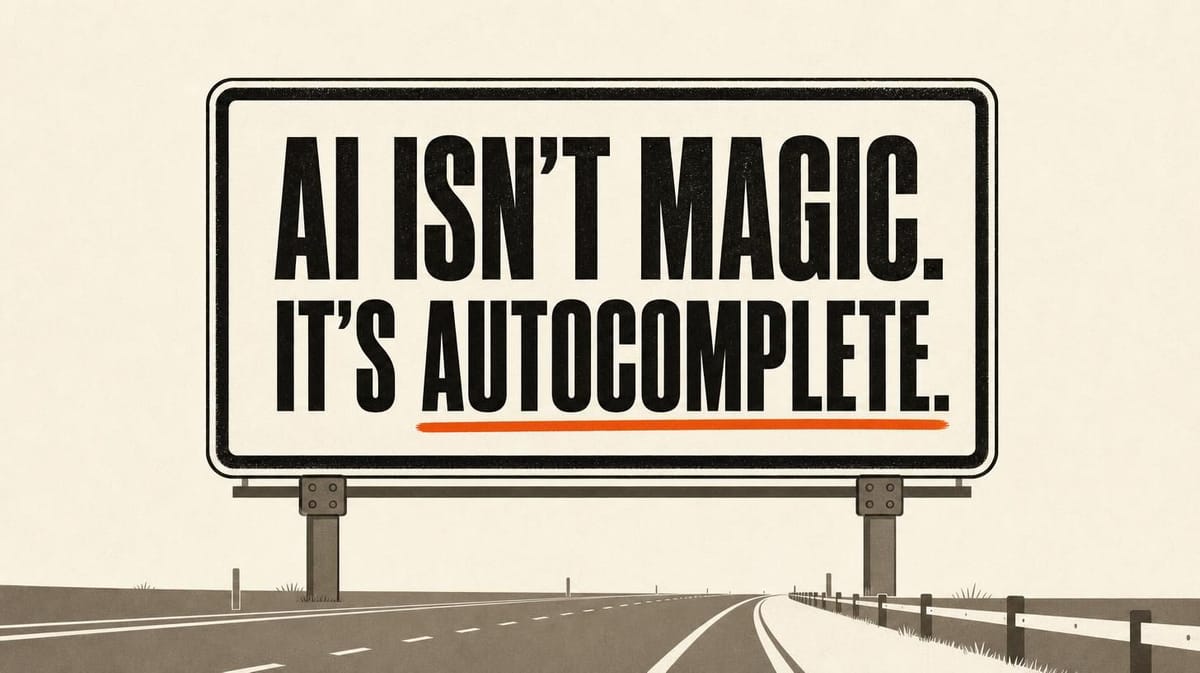
How AI actually works, with Autocomplete
Most people who use ChatGPT use it like a better Google. They type a question, read the answer, get on with their day. It works often enough that they never stop to ask the obvious next question: how does this thing actually work?
That gap is where most of the trouble starts. If you think AI is a bit magic, you either trust it too much or you barely use it at all. Neither gets you very far.
So I built a free course that answers the question by letting you drive a working model yourself. It's called Autocomplete, and you can start it here: learnautocomplete.com. This post covers what's in it, and why understanding the mechanics is the fastest way to actually get good at using AI at work.
Why "how it works" is a practical question, not a technical one
You don't need to understand an engine to drive a car. Fair enough. But a car won't confidently steer you into a wall while telling you it's the scenic route. A text predictor will. It hands you a fluent, confident answer whether or not it's true. It never flags the difference.
Two things go wrong when people don't get the mechanics.
The first is over-trust. Someone pastes a live client document into ChatGPT to "tidy it up", not realising where that text goes or that the model can invent a figure that looks right. The output reads beautifully, so it gets used.
The second is under-use. People treat it as a search box, get bland answers, and conclude it's overhyped. They're driving in first gear and blaming the car.
Both problems dissolve the moment you can see what's happening underneath. Once you understand that the model is predicting the next words based on what you gave it, garbage in, garbage out stops being a slogan and starts being a rule you can feel. Your instructions are the input to the prediction. Vague in, vague out.
The one idea the whole course is built on
Here it is, and it's the thing most explainers skip: ChatGPT, Claude and Gemini are large language models, and a large language model is an autocomplete machine.
You give it some words. It predicts the next word. Then the next. Then the next, one at a time, picking each based on probability learned from a huge amount of text. It's the same thing your phone keyboard does when it suggests the end of your sentence, scaled up enormously and trained on far more.
The site puts it in five words: "AI isn't magic, it's autocomplete."
I call these tools Autocomplete Machines rather than Artificial Intelligence for a reason. "Intelligence" makes people expect understanding, memory and judgement. "Autocomplete" tells you what you're really dealing with: a very good prediction engine that has no idea whether it's right. That single reframe changes how you write prompts, how much you check the output, and what you'd never hand it.
You learn it by using a model, not by reading about it
Most AI courses hand you theory. Neurons, transformers, a diagram of a network you'll never think about again. You finish knowing more vocabulary and no more about how to use the thing.
Autocomplete does the opposite. You get a working replica of an AI chat interface and you poke at it. Eight short modules, six to eight minutes each. You watch the model predict text in front of you. You fill up a context window and see it run out of room on a live token meter. You set up a project, turn on the equivalent of a "thinking" mode, and ask it to build a working web page from a plain-English description. That last one is the moment people go quiet, because they realise English is now enough to build software.
The first time I watched someone use it cold, they got stuck inside two minutes. They opened the "what is an LLM" module expecting a sentence or two of theory, and instead got dropped straight into a demo. It taught me something about teaching AI: you have to name the mechanism before you show it working. So the course now says the autocomplete idea up front, then lets you go and see it for yourself.
One honest caveat. The model inside Autocomplete is scripted, so everyone gets the same clean result every time. It's a teaching model, not a live line to ChatGPT. That's deliberate. You're there to see the mechanics clearly, not to gamble on what a real model does on the day.
What's actually in the eight modules
The course starts with what an LLM is and how it predicts text. From there it walks through the handful of controls that make the difference between a frustrating chat and a useful one:
- Context windows, and why the model "forgets" things earlier in a long chat
- Projects, for keeping the model pointed at the right material
- Choosing the right model for the task, and when to turn on slower "thinking" modes
- Getting the model to generate something real, like a working HTML page, from a description
- Risks and safety, which is where it ends on purpose
I put the risks module last because that's the part people skip and shouldn't. It covers where these tools go confidently wrong, what you should never paste in, and how to sanity-check an answer before you act on it. If you only remember one module a week later, I'd rather it be that one.
Free, no sign-up, and you can use it with your team
Autocomplete is free. No account, no email wall, no credit card. Your progress saves on your own device, so you can stop halfway and come back. If you run a team, the lessons embed, so you can drop a module into your own training instead of writing an AI 101 from scratch.
It's built for the people I train most: owner-managers, founders and teams who've used ChatGPT as a better Google and want to use it properly. No technical background needed. I built it with Nadia Somani, who kept pushing me to cut the jargon every time I drifted back into it.
Try it, then come and use it on your real work
Start here: open the first module of Autocomplete. It's free and it takes about an hour in total, less if you skip around. Do that one module today and you'll already treat ChatGPT differently tomorrow.
Understanding how AI works is step one. Using it well on your actual work is step two, and that's harder to learn from any course, because your work is specific to you. That's what a 1:1 session is for. We take a real task from your week and build the workflow together, live, on your files.
If you want to see what that looks like before you commit, read what actually happens in a session, or book an AI Opportunity Map and we'll map where AI would save you the most time. And if you want a feel for the tools themselves first, I keep a plain-English comparison of the main models up to date.
Not sure whether a session's right for you? Message me. I'll tell you honestly.
Related Articles
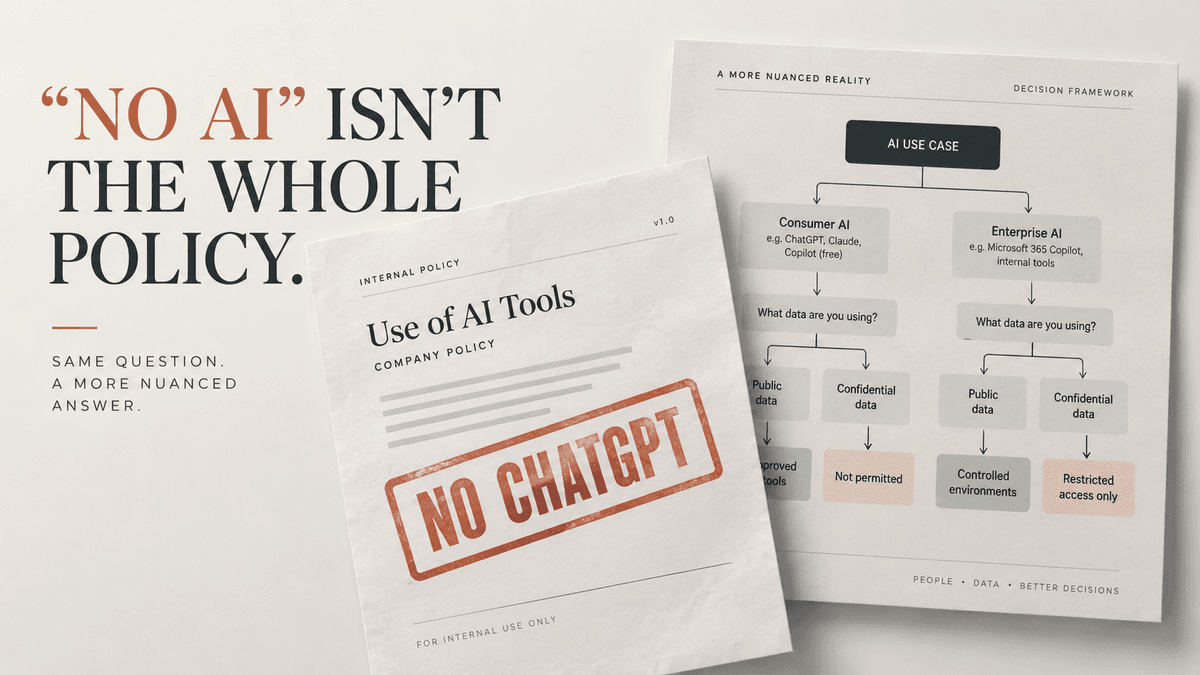
AI training for finance professionals in London
AI training for finance professionals in London. Confidential 1-2-1 sessions for senior finance, com...
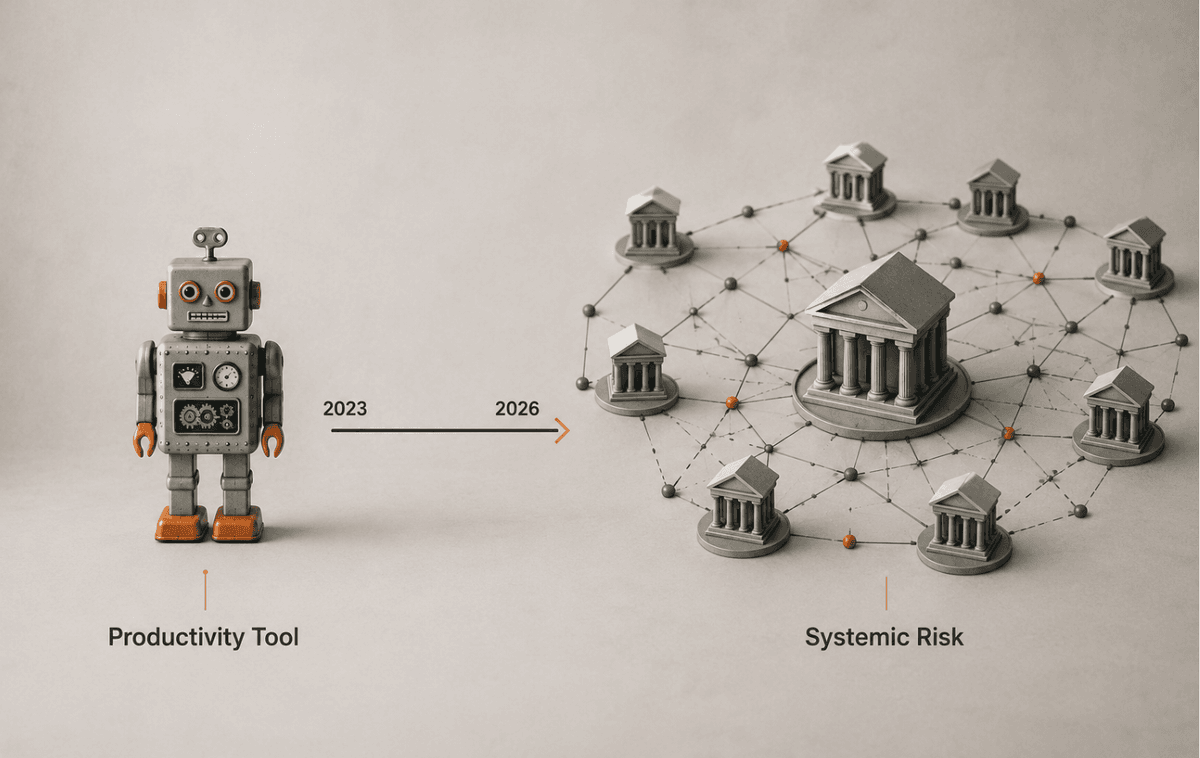
ChatGPT in UK financial services: what the FCA changed
The FCA, Bank of England and HM Treasury just issued a frontier-AI warning. Here's what changes for ...

The Human Story Behind AI: Why I Started Dreams AI Can Buy
Inspired by my parents' struggles as refugees, I started Dreams AI Can Buy to democratize access to ...
How I run two businesses from one Claude Cowork workspace
I run two businesses from one Claude Cowork workspace. The setup file by file, from a real client se...