How I Actually Use Claude Cowork Every Day
By Riz Pabani on 05-May-2026
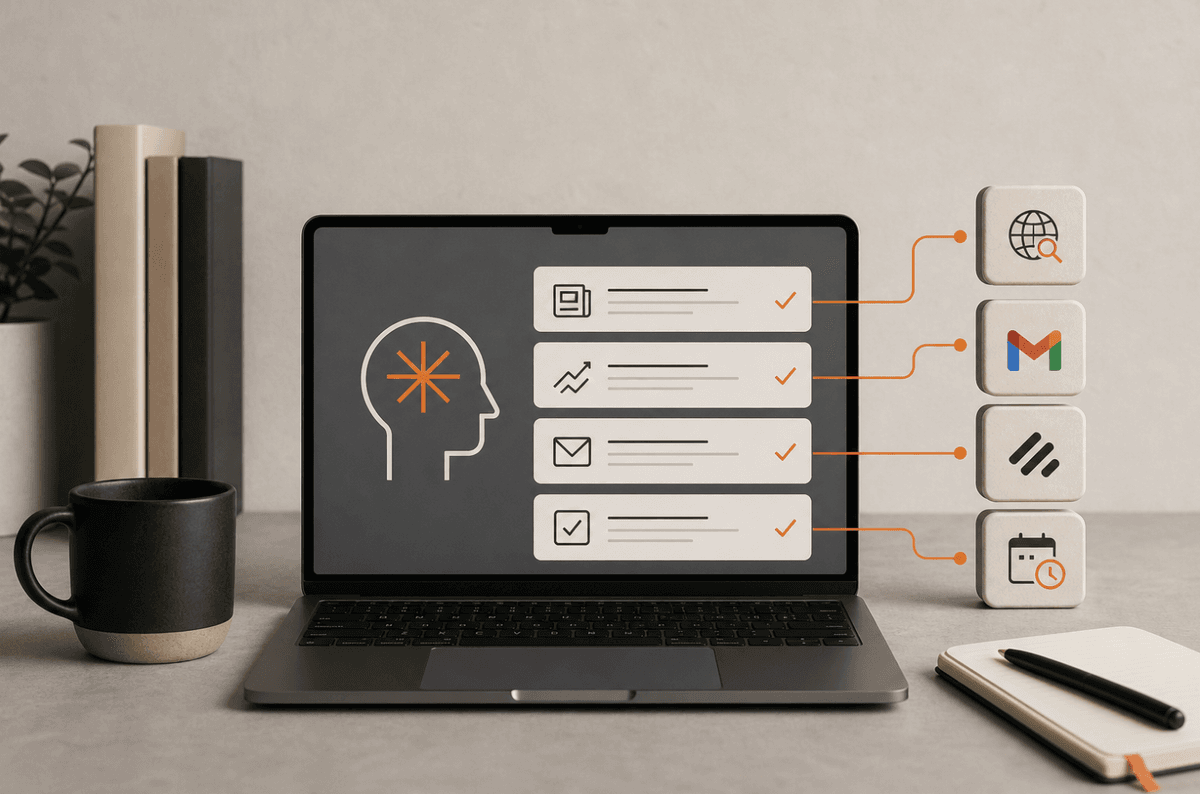
How I actually use Claude Cowork every day
Most Claude Cowork guides tell you what it can do. This one tells you what I actually do with it. Every day, without thinking about it, the way you use email or a spreadsheet.
I've been running Cowork daily since January 2026. It manages my content pipeline, writes first drafts, pulls performance data, preps client sessions, and runs three scheduled agents overnight. My CLAUDE.md file has grown from five lines to forty. I've built eight custom skills. I rarely write prompts longer than one sentence now.
Here's how the whole thing works in practice.
The CLAUDE.md that runs everything
When you open a Cowork session, the first thing it reads is your CLAUDE.md file. It's a markdown file in your workspace folder. Standing instructions. The stuff you'd tell a colleague on day one.
Mine is about 40 lines and does three jobs.
First, it tells Claude what this project is. Two sentences. "Riz runs Dreams AI, a B2C AI training business. We're building it into the definitive online presence for personal AI training in the UK through SEO."
Second, rules that never change. UK English. First person. Never say "harness the power of" or "game-changer" or any of the other phrases that make AI writing sound like AI writing. Always read the voice guide before drafting anything. Always ask before deleting files.
Third, current priorities. What I'm working on this week, which pages are climbing in search, which LinkedIn post went well and why. I update this section on Monday mornings. Two minutes.
The result: I open a session and type "write next week's LinkedIn post about the AI Opportunity Map" and Claude already knows what the AI Opportunity Map is, what voice to use, which previous posts performed well, and what format to follow. No briefing required.
Every time Claude does something I don't like, I add one line to the file. "Don't use em dashes more than three times per piece." "Always check the banned phrases list before submitting a draft." Permanent fixes. I've added maybe 20 corrections over four months. Now the first draft is usually close to publishable.
Eight skills I built for my own workflow
Skills are reusable workflows you build once and trigger whenever you need them. They live in a .claude/skills/ folder in your workspace. Each one is a markdown file that tells Claude what to do, step by step.
I have eight. The ones I use most:
Weekly content review. This is the big one. It pulls my Google Search Console data and LinkedIn engagement numbers, updates my tracking spreadsheets, refreshes a patterns document that tells me what's working, prunes my ideas backlog, and plans next week's content. It also runs automatically every Friday at 1am as a scheduled task. I wake up on Friday morning and the week's analysis is done.
Blog article writer. Reads my voice guide, reads the SEO article template, reads the patterns document, then writes a full draft following all of the rules I've established. I also scrape YouTube videos and X posts from my bookmarks to feed it real material. Right now that's manual — I copy the links in, it pulls the content — but I'll automate it soon. The output is ready for me to edit, not ready for me to rewrite. That distinction matters.
Client session prep. Clients fill out an intake form before they book. The prep skill reads that form, researches their company, identifies which AI tools are most relevant to their industry, and produces a one-page brief I scan five minutes before the call. The intake form is what makes the session bespoke. I know what someone wants before we start. A few clients recently all had the same brief: job hunting. That's what prompted me to write the full job search walkthrough and fold it into how I work with clients, including the AI Opportunity Map.
LinkedIn post writer. Same as the blog writer but tuned for LinkedIn. Knows my hook patterns, knows which formats perform, knows the character limits. I give it a topic and it gives me a draft in my voice.
The other four (content atomisation, newsjacking router, SEO health check, trend scanner) I use less frequently but they're there when I need them.
The point isn't that skills are clever. It's that they iterate. I built the first versions in March and they've improved steadily since. Every time I use one and notice something off, I update the skill file. The blog writer is on its fourth version now. The weekly review has changed shape three times. They get better because I use them, not because I sit down and redesign them.
One thing that fuels all of this: I dictate real examples into Cowork as they happen. Client says something interesting in a session, I voice-note it into Cowork afterwards and it updates the relevant draft with the real story. That's how my posts end up with specific examples instead of hypotheticals. The system captures reality as it happens.
Scheduled agents that run while I sleep
Cowork lets you schedule tasks. Type /schedule, tell it what you want, pick a frequency, done.
I have three running:
Morning news briefing (6am daily). Checks the AI researchers I follow, scans a list of sites, and produces a summary of what happened overnight. Before this, I'd spend 20 minutes scrolling feeds. Now I read one document over coffee.
Content review (Friday 1am). The weekly skill I mentioned. Pulls fresh data, updates everything, produces a review document. Monday morning I read it and know exactly what to focus on.
Search Console weekly pull. Grabs my GSC data every Sunday night and compares it to the previous week. Flags anything that's moved significantly. I glance at the output Monday morning. If a page jumped or dropped, I know immediately.
The limitation: scheduled tasks run when your machine is on and Claude Desktop is open. They're not cloud jobs. I leave Claude Desktop running overnight and it works for my schedule. If your laptop closes at 6pm, schedule tasks for when you're around.
If you want one of these end to end rather than a description of mine, I've written up how I run Claude Cowork daily tasks on a repeat schedule, including the two agents behind my morning briefing.
Connectors: Gmail and Linear
Connectors link Cowork to external services. I use two daily.
Gmail. I tell Claude "draft a reply to the last email from [name], polite but firm, declining the timeline" and it reads the thread, writes the draft in my tone, and saves it to Gmail Drafts. I review, hit send. What used to take 15 minutes of context-switching takes two.
Linear. My task board lives in Linear. I never open Linear directly. I tell Cowork "mark the Hermes Tips post as done and create a follow-up for social distribution." It updates the board. The task list stays current without me touching the UI.
The combination means my email and project management both feed through the same interface. One window, not three.
The marketing plugin
Cowork has installable plugins. I keep the marketing plugin active permanently.
The SEO audit skill is the standout. I run it on my site once a fortnight and it generates a scored report: what's climbing, what's stuck, what I should fix. It pulls in Search Console data, keyword positions, and page-level metrics. No manual export, no spreadsheet work. Just "run an SEO audit" and wait.
I've been making small improvements based on those reports since March. In that time, my site has gone from 80 clicks in a 90-day window to over 1,350. Some of that is content volume. But knowing which pages to fix and which to leave alone has compounded.
What my average Monday morning looks like
I open my laptop. Three things are already waiting:
- The news briefing from 6am. I read it. Takes three minutes.
- The weekly content review from Friday. I read the "Next Week" section. Takes five minutes.
- The Search Console comparison from Sunday. I check if anything moved. Usually takes one minute.
Then I open a Cowork session and type something like "write a LinkedIn post about [topic from the review]." Claude already has context from the CLAUDE.md about what performed last week and what format to use. First draft arrives in about 90 seconds. I edit for five minutes, schedule it, move on.
Total time from opening laptop to first piece of content scheduled: about 20 minutes. Before Cowork, the same workflow (checking analytics, deciding what to write, writing it, editing it) took closer to two hours.
The honest caveats
Cowork isn't magic and it's not perfect.
The browser automation is a dream, but you want to keep an eye on it. It handles most tasks without intervention. Occasionally it gets stuck on a login page or misreads a button. I let it run and check back. Nine times out of ten it's done the job.
Scheduled tasks need your machine on and Claude Desktop running. I solved this with a Mac Mini on my desk that's always on. It runs my overnight agents without me thinking about it. If you're on a laptop that closes at 6pm, schedule tasks for when you're around.
The usage limits mean that on heavy days I pace myself or switch to Sonnet for simpler tasks.
And the biggest one: the first few weeks are slow. Building the CLAUDE.md, setting up connectors, creating your first skill. You're investing time before you see returns. It's the opposite of ChatGPT where you type a question and get an answer in seconds. If you're weighing up both tools, I wrote a full Claude Cowork vs ChatGPT comparison based on months of daily use.
But after those first few weeks, the returns compound every single day. Every correction becomes a permanent fix. Every skill saves time every time it runs. The system gets better because you use it, not because you actively improve it.
If you want to set this up yourself, start with the CLAUDE.md. That's 80% of the value. Then add one connector and one scheduled task. See if it sticks. The setup guide covers the installation basics. For a deeper look at the individual features, see the tips and best practices breakdown.
Related Articles
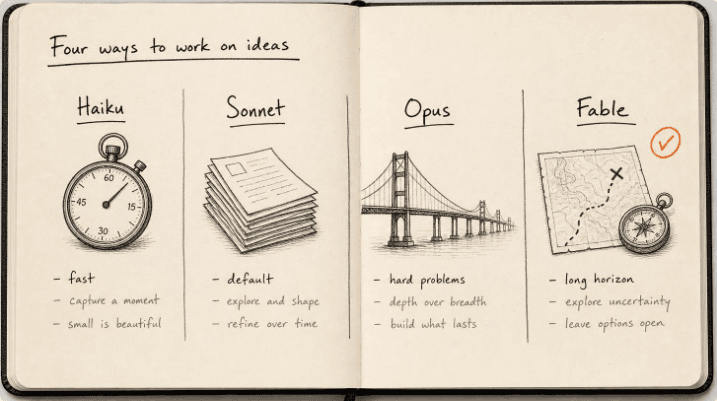
Claude models compared 2026: Fable, Opus, Sonnet, Haiku
The Claude models compared for 2026: what Fable 5.1, Opus 5, Sonnet 5 and Haiku 4.5 each do best, wh...
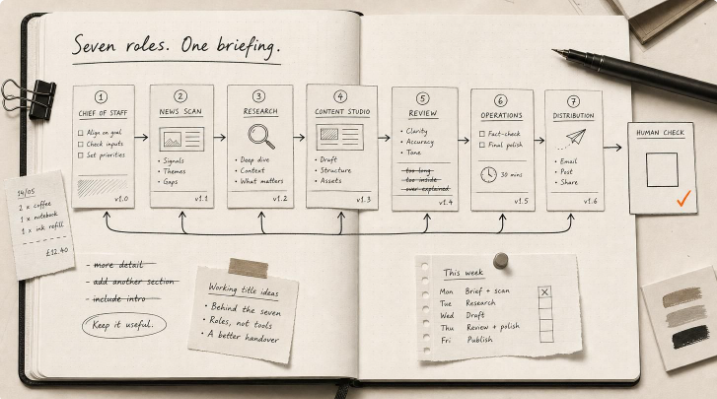
Hermes Agent Bot Mode: how I run a fleet of AI bots
Hermes Agent bot mode: seven AI bots that research, draft and review each other's work, and why none...
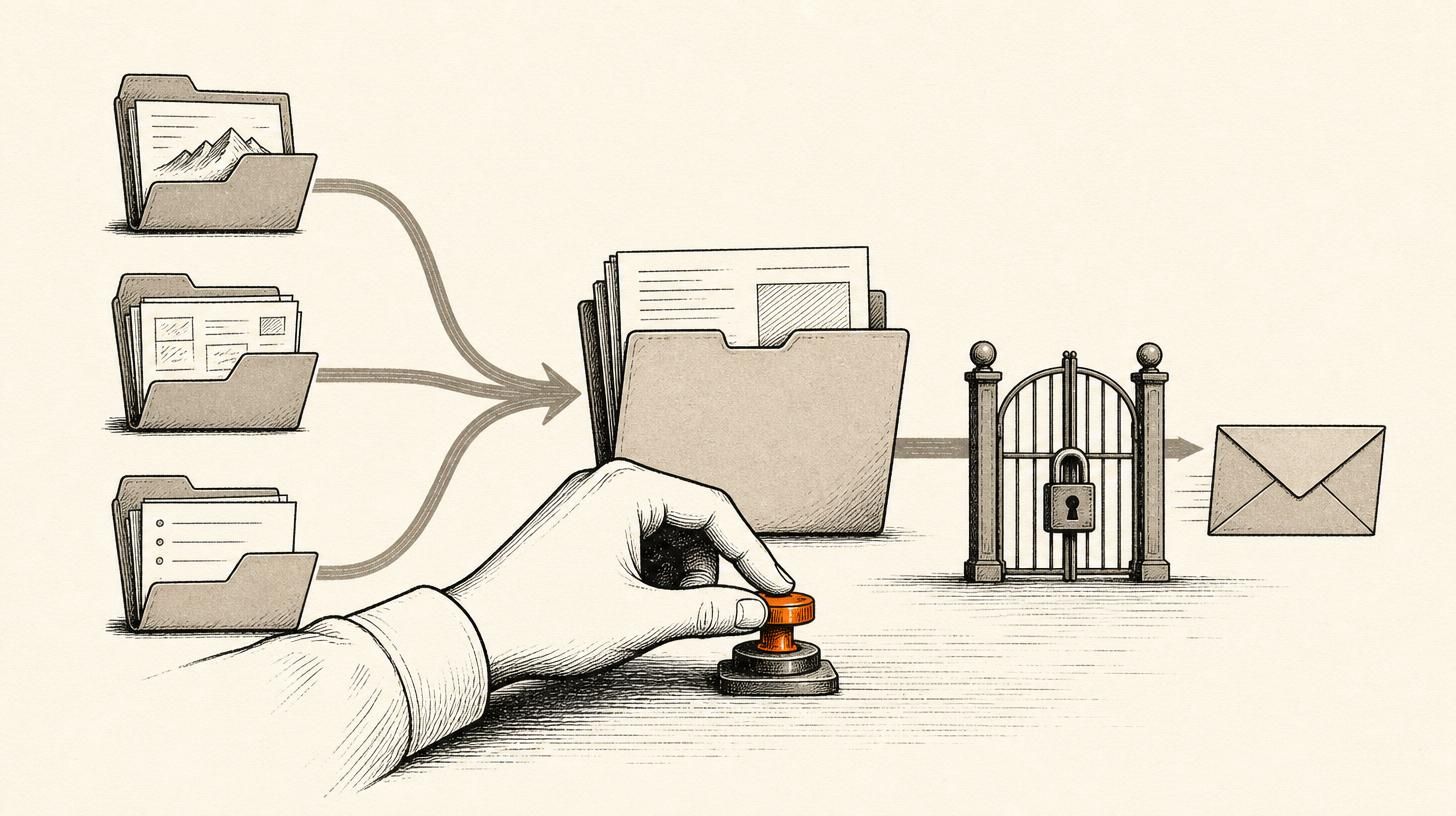
How I set up Grok Bot (and what I use it for)
How I set up Grok Bot: a Chief of Staff bot, three specialists, a weekly cadence, and a hard human g...

How I Rank on Google Using Claude Cowork
I'm not an SEO expert. Here's the Claude Cowork workflow Claude and I built to rank on Google — and ...